
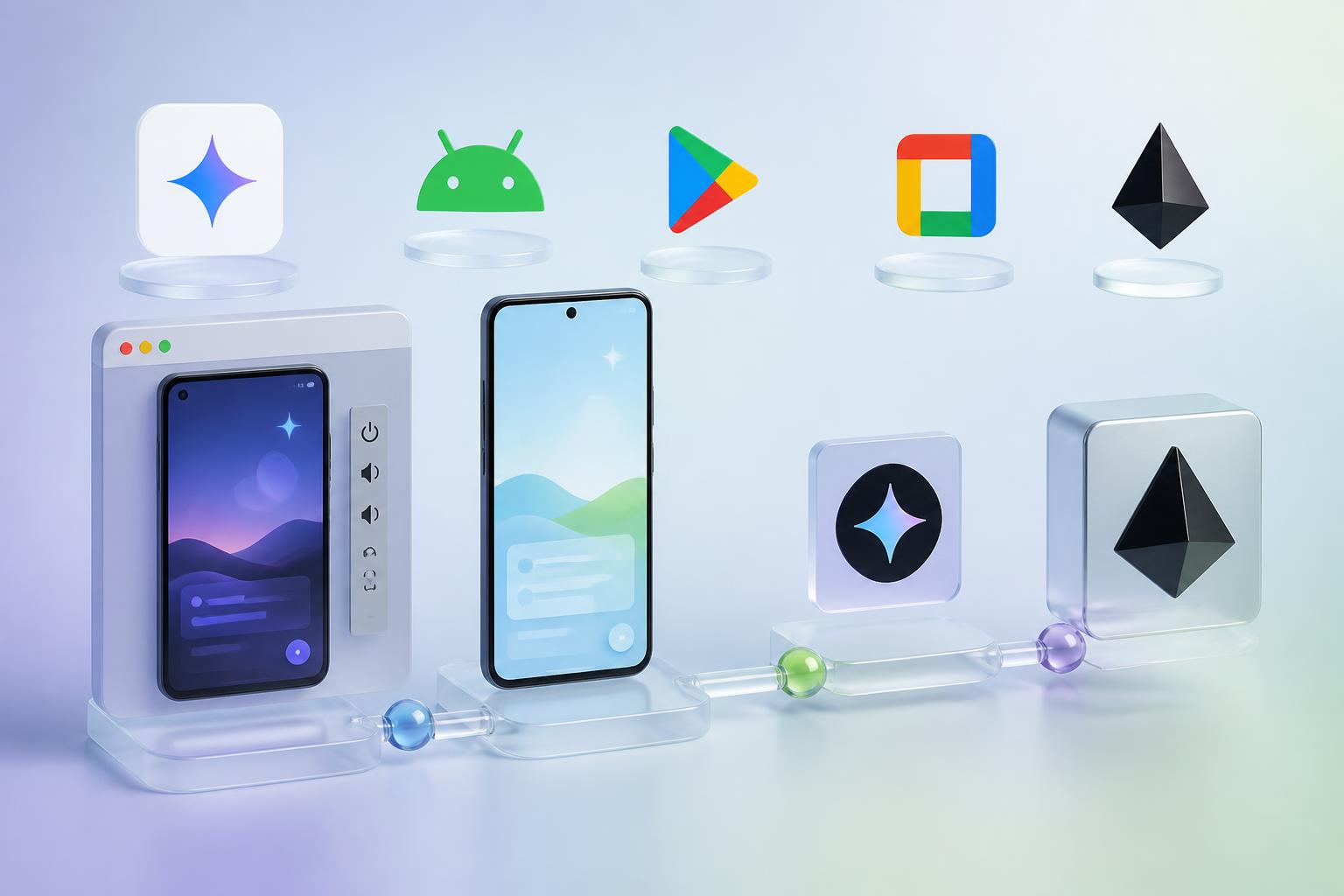
On May 19, 2026, Google used I/O 2026 to expand Google AI Studio from a browser-based vibe-coding tool into a broader software delivery surface. The update adds native Android app generation in AI Studio, an in-browser Android Emulator, direct Android Debug Bridge installs, one-click publishing to a Google Play internal test track, Google Workspace integrations, a pre-registration launch for a mobile AI Studio app, and export to Antigravity for local development and production handoff.
That combination matters because the hard part of software building is rarely the first prototype. It is the jump from prompt to device testing, data access, team handoff and release workflow. Google is now trying to keep more of that chain inside the same product.
Why this is bigger than another vibe-coding feature drop
Google had already repositioned AI Studio in March 2026 as a full-stack vibe-coding environment for production-ready web apps, with Antigravity as the underlying coding agent. The I/O 2026 update extends that story beyond browser prototypes and into native mobile software, Google ecosystem integrations and a cleaner path to deployment.
In practical terms, AI Studio now covers more of the steps that usually force teams to jump across tools. Apps built inside AI Studio can now access Google Workspace data, move into Antigravity with conversation history, project files and secrets preserved, and start on mobile through the new AI Studio app before being continued on desktop. Google also says new users can deploy their first two apps to Google Cloud at no cost and with no credit card required.
What changed for Android builders
The most concrete product shift is native Android support inside AI Studio’s build workflow. Google says builders can now prompt AI Studio to create Kotlin-based Android apps using current Jetpack Compose patterns directly in the browser, without installing a local Android toolchain first.
- Browser-based preview: AI Studio now includes an embedded Android Emulator so builders can test app behavior without leaving the browser.
- Real-device install: Developers can connect an Android phone and install builds directly through integrated ADB support.
- Faster test distribution: By connecting a Google Play developer account, builders can publish an app bundle straight to an internal testing track in Google Play from AI Studio.
- Native capability access: Google is positioning these as real native Android apps, with support for hardware-driven experiences that use capabilities such as camera, location, accelerometer and Bluetooth through Android APIs.
This is the clearest sign that Google does not want AI Studio to stay limited to disposable demos. The Android workflow is being framed around native code, device validation and distribution, which are the checkpoints that usually separate a prototype from a team-ready app concept.
How Google is compressing the prototype-to-production path
The larger I/O story is workflow compression. A developer can now capture an idea in the mobile AI Studio app, build in the browser, test in an embedded emulator, install to a phone through ADB, push the build to a Google Play internal test track, connect the app to Workspace data, and then move the project into Antigravity when local development or deeper production work is needed.
That sequence does not mean Google is replacing the rest of the software stack. Google’s own Android announcement still points teams to Android Studio, ZIP exports, GitHub export and Antigravity when they need advanced tooling, broader device support or a more conventional team environment. But it does mean the point at which a rough prototype has to leave the AI-native workflow has moved later in the process.
That is important for internal product teams, startups and operators experimenting with AI-first apps. The cheaper and faster it becomes to test an idea on a real device and in a real distribution channel, the more often teams will treat prompting as the front end of software delivery rather than a side experiment.
What to watch after I/O 2026
Google’s next adoption test is whether AI Studio can keep enough of the release and iteration loop inside the same environment. The Android team says Google Play test-track management and Firebase integrations are coming next, which suggests Google sees app lifecycle depth, not just code generation quality, as the real battleground.
For the broader AI market, this update also tightens the link between Google AI Studio and Antigravity. AI Studio is increasingly becoming the fast entry point, while Antigravity looks like the place where projects graduate when they need deeper local control, broader orchestration and more serious development workflows.
The practical takeaway is straightforward: Google is no longer pitching AI Studio as just a fast way to mock up an app. After the May 19, 2026 I/O launch, it is trying to turn AI Studio into a much earlier and much more durable stage in the real software build pipeline.