
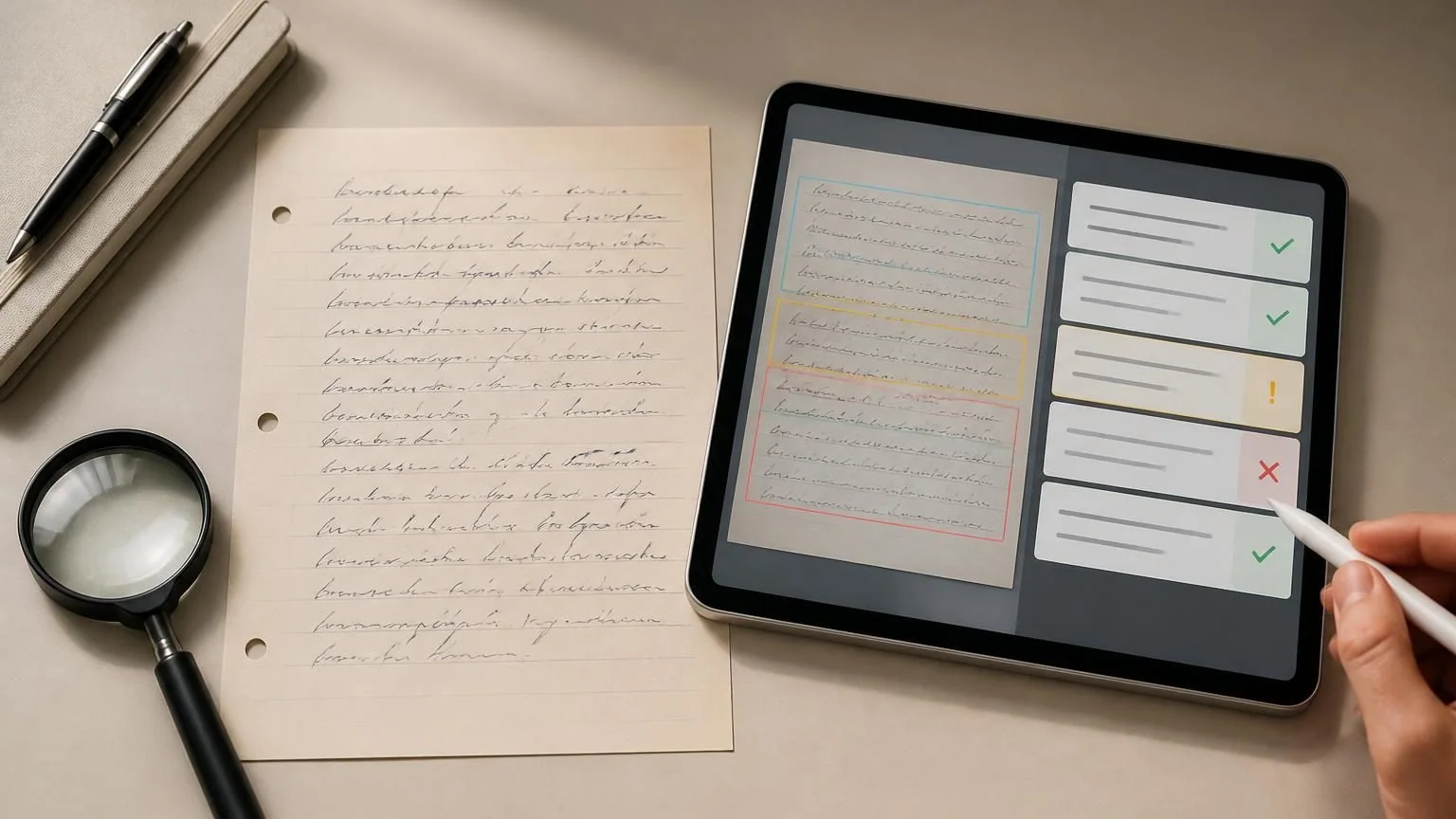
Direct answer: Often, yes. AI and handwriting OCR can turn clear notes into searchable text, but cursive, unusual scripts, poor lighting, crossed-out words, tables, names, and numbers remain difficult. Preserve the original, protect sensitive content, require uncertainty markers, and verify every consequential field manually.
Decide whether you need transcription or interpretation
Transcription reproduces visible words; interpretation summarizes, normalizes, or guesses meaning. Ask for a diplomatic transcription that preserves spelling, line breaks, abbreviations, deletions, and uncertain passages before requesting a cleaner version. Otherwise the system may silently turn an unreadable word into a plausible one.
Define the script and language if known, page order, and whether marginalia, checkboxes, tables, or drawings matter. Historical handwriting, shorthand, mixed languages, mathematical notation, and specialized forms may require a domain expert. A model’s ability to discuss a page does not prove character-level accuracy.
- Request brackets such as [unclear] instead of confident completion.
- Keep a raw transcript separate from an edited reading copy.
- Do not ask the system to imitate a signature or handwriting style.
Capture the page for legibility
Use even light, avoid glare and shadows, hold the camera parallel, fill the frame, and ensure focus at full resolution. Include page edges for orientation, then crop irrelevant background. For pencil, faded ink, or thin paper, test contrast carefully without erasing strokes or making bleed-through look like writing.
Photograph pages individually and preserve their order. Curved notebook pages and bound archives may need a scan cradle rather than force that damages the item. Keep the untouched original file; enhancement should create a derivative so later reviewers can distinguish source marks from processing artifacts.
- Check the smallest writing before uploading.
- Retake rather than relying on extreme sharpening.
- Use archival or professional scanning for fragile originals.
Protect what handwritten pages reveal
Notes may contain health information, addresses, phone numbers, signatures, financial details, student records, diary entries, legal advice, customer data, or information about people who did not consent. Review every page and the background. Use an approved service for protected records and remove unrelated regions when possible.
Redaction must remove underlying pixels, not place a translucent mark over them. Check provider retention, model-improvement use, workspace administrators, and deletion. Authorization to possess a letter or form does not automatically grant permission to upload it to a new service or publish its contents.
- Work from a redacted copy where identity is unnecessary.
- Avoid casual detector or OCR sites for intimate and regulated material.
- Delete temporary uploads and derivatives according to the applicable policy.
Process layout before individual words
Divide complex pages into headings, columns, table cells, notes, and main body. Ask the system to describe the layout and reading order first. A correct word placed in the wrong column can change a dose, account, survey response, or ledger entry. Preserve line and cell references in the transcript.
For a long set, test several representative pages before processing everything. Include different writers, pens, paper, photocopy quality, and forms. A workflow tuned on one neat sample may fail badly on later pages. Record which regions the system skipped or merged.
- Transcribe tables cell by cell with coordinates.
- Keep checkmarks, blanks, and strikethroughs distinct.
- Do not infer missing pages or continuation text.
Verify high-risk characters and fields
Names, dates, decimal points, negative signs, dosages, account numbers, addresses, quantities, and legal terms need direct comparison. Use a two-pass review: first inspect every low-confidence region, then independently verify fields whose error would matter even if confidence is high. Context can cause a model to choose the expected value rather than the written one.
When possible, compare against a responsible record such as a contact list or inventory, but do not overwrite the raw transcription. If two readings remain plausible, preserve both and refer the decision to someone qualified. For prescriptions, ballots, contracts, historical evidence, or identity documents, use the official process rather than relying on consumer OCR.
- Read digits one character at a time.
- Check totals without using them to conceal a wrong entry.
- Record reviewer and correction history.
Create a traceable final record
Link each transcript segment to page and region, retain the original image, and label editorial expansions or corrected spelling. A searchable clean copy can sit beside the diplomatic transcript, but it should not replace it. State language, tool, date, known omissions, and review status when the record will be shared.
Sample accuracy should be measured on the characters and fields that matter to the use case, not only by whether the page “looks right.” Correct errors in a controlled copy and feed recurring patterns into capture or review guidance. The goal is a usable record that remains auditable back to the handwriting.
- Use stable filenames and page identifiers.
- Keep source, raw transcript, and edited copy distinct.
- Provide a correction route for people represented in the record.