
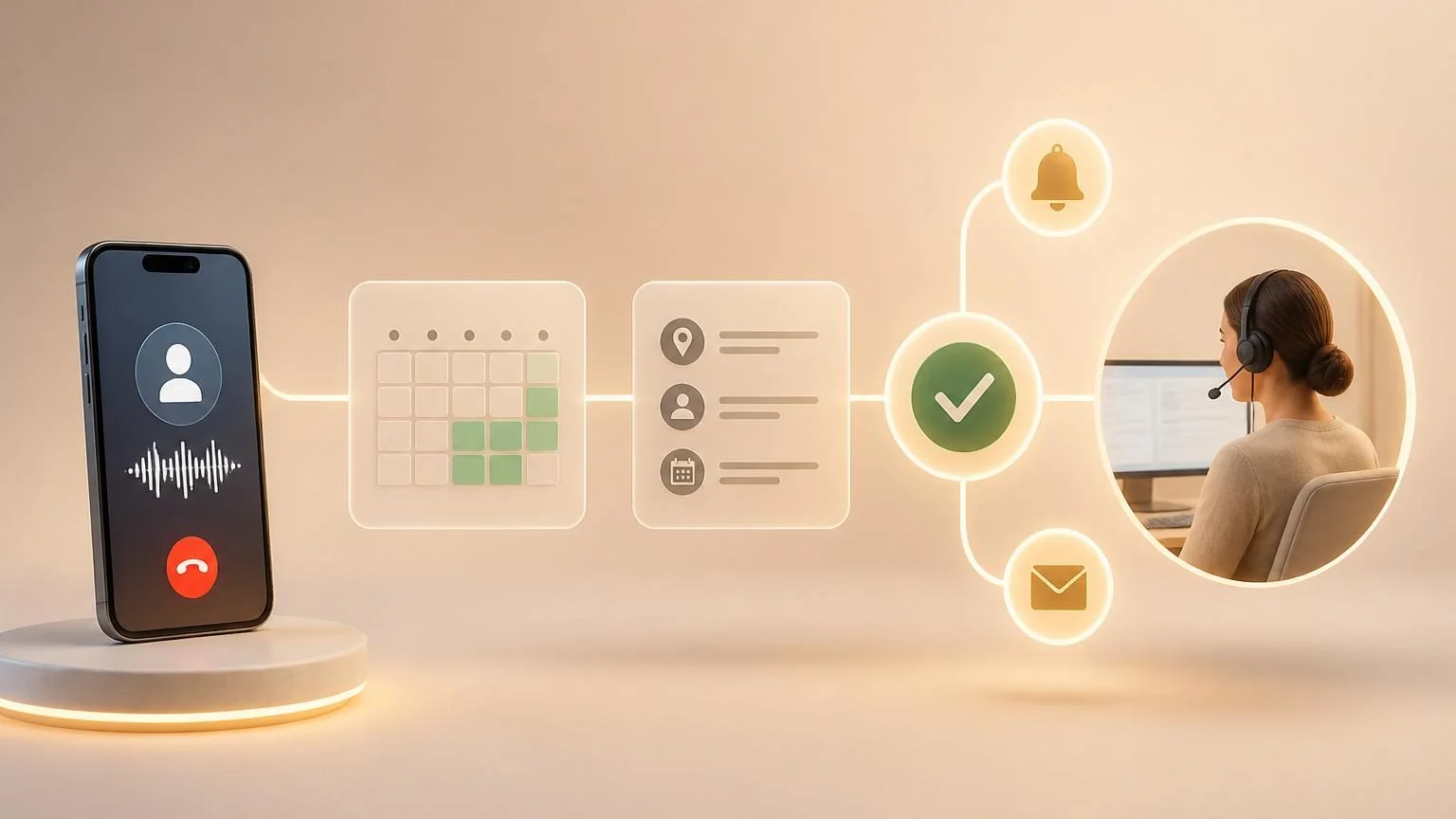
Direct answer: Yes. An AI receptionist can check live availability, collect required details, create or update an event, confirm the time and time zone, and send follow-up information. Reliable booking requires official calendar or scheduling APIs, narrow permissions, duplicate prevention, service-specific rules, and escalation when eligibility or urgency is uncertain.
Booking requires more than finding an empty time
A valid appointment may depend on service type, duration, provider, location, equipment, lead time, insurance or intake status, buffers, and cancellation policy. Document these rules before connecting a calendar.
The AI should offer only slots returned by the canonical scheduling system. It must not infer availability from office hours or an old copy of a calendar.
Use the calendar as the source of truth
Official interfaces can query free/busy information and create events with controlled authorization. Google Calendar exposes a free/busy query, while Microsoft Graph exposes calendar availability and event operations. Grant access only to the relevant calendars and actions.
Re-check the slot immediately before creation because another caller or employee may book it during the conversation. Store the resulting event identifier and treat a confirmed API response—not generated speech—as completion.
- Normalize the caller, business, and provider time zones.
- Use idempotency keys or equivalent duplicate controls.
- Preserve event IDs for rescheduling and cancellation.
- Log the rule, calendar response, and final confirmation.
Collect and confirm only required information
Gather the minimum fields for that appointment: name, reliable contact method, service, location, and approved intake questions. Read back material details before committing and distinguish a requested time from a confirmed booking.
Sensitive industries need additional controls. For a covered health-care entity, a scheduling vendor that handles protected health information may be a business associate. Use an appropriate agreement, minimum access, retention rules, and identity procedures.
Handle changes without corrupting the calendar
| Request | Safe action | Escalate when |
|---|---|---|
| New booking | Validate rules, re-check availability, create once | Eligibility or urgency is unclear |
| Reschedule | Identify the existing event, move it, confirm once | Fees, dependencies, or identity are disputed |
| Cancel | Apply policy to the correct event | High-value or protected booking needs review |
| Waitlist | Create a canonical waitlist record | No maintained waitlist system exists |
Do not create a second event before safely modifying or canceling the first unless the business workflow explicitly requires it. If a downstream reminder or CRM update fails, expose the partial state for staff reconciliation.
Design the caller experience around certainty
Offer a small useful set of times rather than reading a long calendar. State the date, local time, location or meeting method, service, and next required step. Send confirmation through an approved channel.
When no slot matches, offer alternatives, a waitlist, or a callback. Never fabricate availability or tell the caller the appointment is booked while the scheduling service is unavailable.
Connect the appointment to the complete service workflow
A calendar event is often only the first record in an appointment workflow. The business may also need a customer or patient record, intake form, deposit request, location instructions, consent document, reminder sequence, assigned resource, or lead-source attribution. Define which of these are required for a valid booking and which can happen later. The receptionist should not call the work complete when the calendar succeeded but a required downstream step failed.
Use canonical identifiers to connect records rather than matching later on a caller’s spoken name. If event creation succeeds and CRM creation fails, retain the event identifier and surface the partial state to an operator; blindly retrying the entire workflow can create a duplicate appointment. Likewise, a confirmation message should reflect the committed event, not a draft time held earlier in the conversation.
Policies need versioned ownership. Service duration, staff eligibility, deposits, buffers, cancellation windows, and new-customer rules change over time. Name the person authorized to change each rule, test changes outside production, and record which version governed a booking. This makes disputed appointments explainable and prevents an old prompt from silently overriding the scheduling system.
Test and measure scheduling quality
Test concurrent requests, daylight-saving changes, recurring events, provider absences, buffers, duplicate callers, unavailable APIs, and interrupted calls. Reconcile created, changed, and canceled appointments against the conversation result.
Measure correct booking rate, duplicate and conflict rate, material corrections, no-shows, abandonment, and successful exception handoff. Expand one service, location, and calendar at a time.