
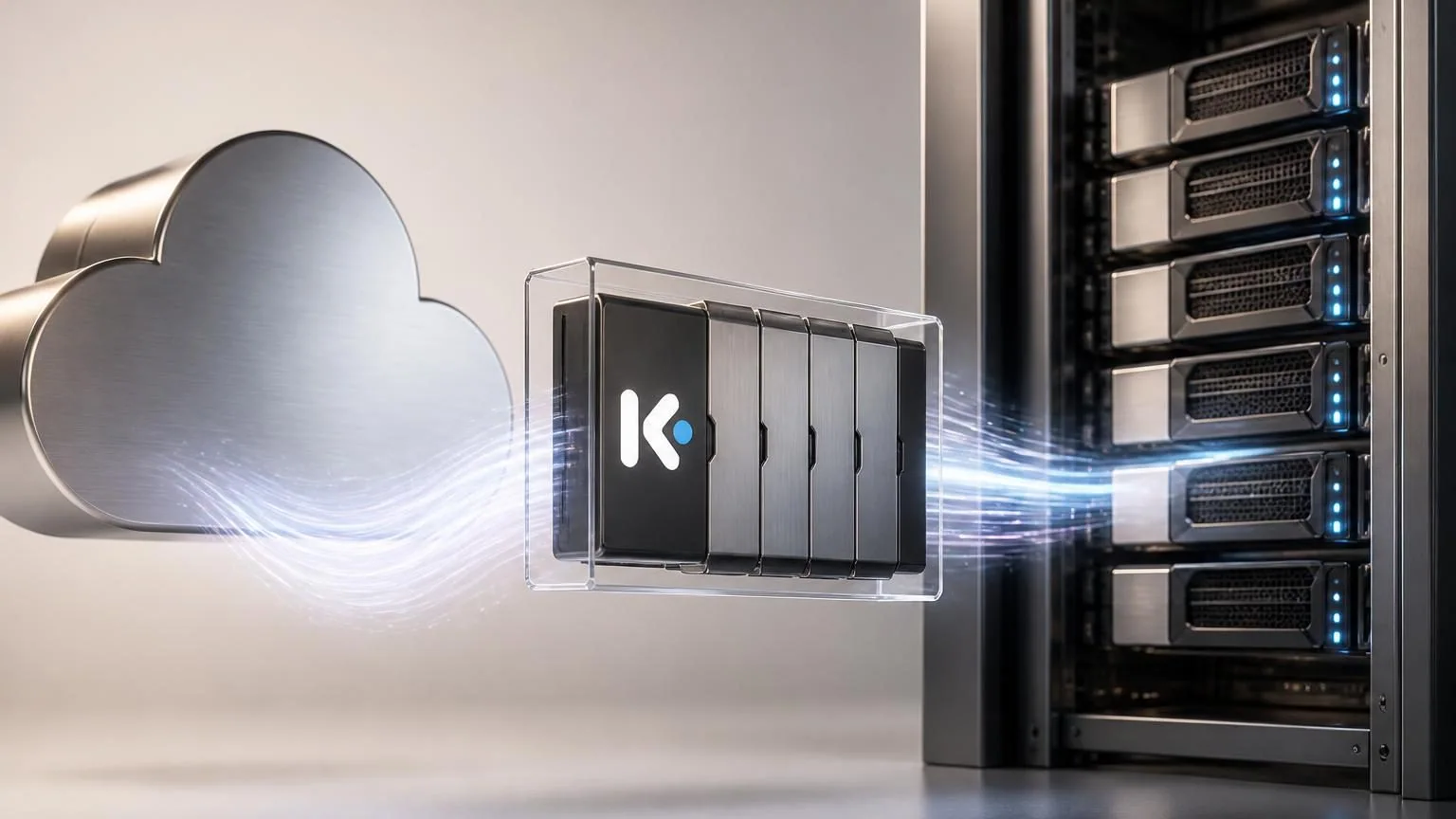
Kimi K3 can be accessed in two very different ways: through Moonshot AI’s hosted API or by obtaining the open model weights from the official Hugging Face repository and serving them yourself. The second path is not a lightweight local download. Kimi K3 is a 2.8-trillion-parameter mixture-of-experts model with 104B activated parameters, so self-hosting is an infrastructure project rather than a desktop experiment.
This guide explains how to choose the right path, download or pull the official model correctly, start a compatible server, and set operational boundaries before connecting Kimi K3 to an agent or business workflow.
Choose API access or self-hosting first
“Download Kimi K3” can mean either getting access to the model or taking responsibility for its weights and inference stack. Decide which outcome you need before provisioning hardware.
Kimi K3 access paths
| Path | Best when | Your team owns |
|---|---|---|
| Moonshot API | You need to prototype or integrate quickly | Application logic, prompts, credentials, monitoring, and spend controls |
| Open weights on Hugging Face | You have a clear self-hosting, data-control, or research requirement | Hardware, storage, serving engine, security, updates, observability, and capacity planning |
The API route uses the kimi-k3 model name with an OpenAI-compatible endpoint. It is usually the sensible first step for a proof of concept because it separates application validation from infrastructure work. The hosted model requires a funded account, while rate limits depend on account tier.
Use the open-weight path only when the operational reason is specific: for example, an approved private deployment architecture, controlled research, or a workload whose scale justifies dedicated inference operations. Do not treat open weights as permission to skip the license review or security review.
How to download or pull the official Kimi K3 model
Start at the official moonshotai/Kimi-K3 repository on Hugging Face. Confirm the publisher, read the model card, and review the Kimi K3 License before automating any download. Avoid similarly named community repositories when building a production system.
Option 1: Let your serving engine retrieve the model
For most teams, the safest download workflow is to have a supported inference engine pull the model from the official repository into its managed cache. Hugging Face provides starter commands for vLLM and SGLang. A minimal vLLM start command is:
pip install vllm
vllm serve "moonshotai/Kimi-K3"
For SGLang, the model card provides this basic pattern:
pip install sglang
python3 -m sglang.launch_server \
  --model-path "moonshotai/Kimi-K3" \
  --host 0.0.0.0 \
  --port 30000
These are starting points, not a production sizing recipe. Validate the current engine documentation and Kimi K3-specific recipe before selecting parallelism, context length, cache settings, networking, or a container image.
Option 2: Download files into a controlled artifact workflow
If your organization needs an explicit artifact promotion process, use an authenticated Hugging Face workflow to retrieve the official repository into approved storage. Record the repository revision, checksum or artifact identity where available, license acceptance, and the environment that will serve it. Then promote the same verified artifact through testing and production rather than downloading separately in each environment.
Keep model credentials out of shell history and source code. Use a secret manager or the deployment platform’s secret facility for any Hugging Face token, API key, or internal registry credentials.
Plan for Kimi K3’s real deployment footprint
Kimi K3’s native MXFP4 weights and MXFP8 activations improve feasibility, but they do not make the model small. Moonshot recommends supernode configurations with 64 or more accelerators for deployment. That recommendation is a strong signal that most teams should begin with the API or a managed infrastructure evaluation rather than assume a single-server installation will be practical.
Capacity planning should cover more than model weights. Budget for model storage, GPU memory, runtime overhead, long-context key-value cache growth, interconnect bandwidth, redundant nodes, logs, and staging capacity. A 1-million-token context window is a capability, not a default setting your product should expose indiscriminately.
Set a conservative first production envelope
- Start with a limited context window that matches a real task, such as document classification or code review.
- Set request size, output-token, concurrency, and timeout limits before giving the model tool access.
- Run load tests with representative prompts, images, files, and multi-turn histories—not only short demo prompts.
- Measure queue time, time to first token, total latency, error rate, GPU utilization, and cost per completed business task.
- Define a fallback path for requests that exceed latency, cost, or safety thresholds.
Integrate Kimi K3 without breaking agent conversations
Kimi K3 always uses thinking mode and returns reasoning content separately from its final answer. For multi-turn conversations and tool calls, Moonshot’s guidance is to preserve the complete assistant message in the next request, including reasoning content and tool calls. Dropping those fields can make later turns unreliable.
This affects agent orchestration. Your gateway or application should retain the complete structured response for the active session, apply access controls to sensitive traces, and avoid silently mixing Kimi K3 into an existing conversation that was started with another model. Moonshot also notes that the model can be unusually proactive on ambiguous tasks, so system instructions should state approval boundaries, allowed tools, spending limits, and escalation rules explicitly.
A practical preflight checklist
- Access: Have we chosen hosted API access or a justified self-hosted deployment?
- Provenance: Are the weights from the official Moonshot AI Hugging Face repository and is the license reviewed?
- Compatibility: Has the selected serving engine been validated for Kimi K3 rather than assumed compatible?
- Capacity: Do we have measured GPU, storage, network, and cache requirements for our intended workload?
- Security: Are keys in a secret manager, endpoints authenticated, and model artifacts access-controlled?
- Agent controls: Are tool permissions, approval gates, spend limits, and human escalation rules written down?
- Evaluation: Have we tested real tasks for quality, latency, reliability, and unsafe or overreaching actions?
The key decision is not simply whether Kimi K3 can be downloaded. It is whether the value of operating a frontier-scale open-weight model outweighs the infrastructure and governance burden for the workflow you actually need to automate. Prove the workflow with controlled access first; then scale the deployment path that your evidence supports.