
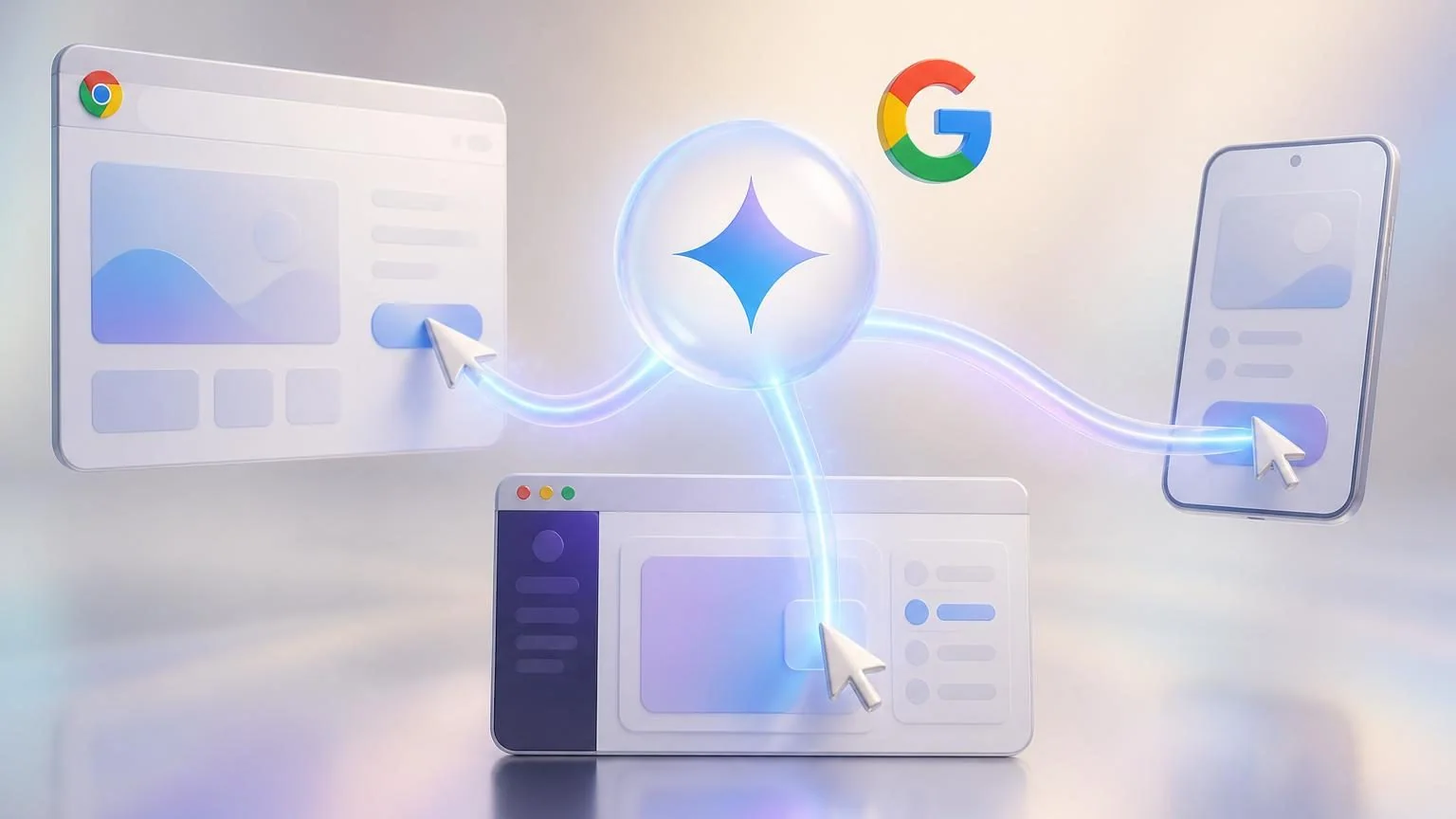
Google made one of the more important agent-platform moves of June on June 24, 2026: it turned computer use into a built-in tool inside Gemini 3.5 Flash. That sounds like a feature update. It is actually a stack simplification story.
Before this change, computer use lived as a more specialized capability. Now Google is positioning its main Flash model as a single foundation for reasoning, built-in tools, and software interaction across browser, mobile, and desktop environments. For companies building AI agents, that matters more than another leaderboard bump. It means the model a team may already be evaluating for tool calling and multi-step work can now also operate software interfaces directly.
The business takeaway is straightforward: software-operating agents just got more practical to prototype. They did not become plug-and-play overnight.
What Google actually launched
Google said computer use is now a built-in tool supported in Gemini 3.5 Flash, with access through the Gemini API and the Gemini Enterprise Agent Platform. In the company’s own framing, this is its best performance yet for agentic computer-use tasks and a step beyond the earlier standalone Gemini 2.5 computer-use model.
The supporting API documentation is what makes the announcement more interesting for operators. Google’s computer-use docs describe one model that can work across three environments: browser, mobile, and desktop. The model “sees” the interface through screenshots, then returns structured UI actions such as clicks, typing, scrolling, and other task steps for the client application to execute.
Gemini 3.5 Flash computer-use update at a glance
| Change | Why it matters |
|---|---|
| Computer use is built into Gemini 3.5 Flash | Teams can evaluate one main model for reasoning, tool use, and software interaction. |
| Support spans browser, mobile, and desktop | It broadens the kinds of operational workflows agents can touch. |
| Safety policies and confirmation flows are built into the tooling | Google is signaling that real deployment still needs guardrails, not just demos. |
Why this matters more than a normal model update
The biggest shift here is architectural. Many agent stacks still separate “smart model” decisions from “UI automation” execution. Google is narrowing that gap. When the same production-oriented model can reason through a task, use tools, and operate software, builders get fewer model handoffs, fewer orchestration choices, and a cleaner path from proof of concept to workflow design.
That is especially relevant for enterprises exploring automation that lives above existing software rather than inside a perfect API layer. A lot of useful work still happens in brittle internal tools, vendor dashboards, legacy web apps, procurement portals, and QA environments. Those are exactly the places where browser and desktop control can matter.
Google is also clearly aiming this at long-horizon work, not just toy browsing demos. Its 3.5 Flash materials emphasize sub-agent deployment, multi-step workflows, rapid agentic loops, and scaled production use. In plain English: Google wants developers to treat Flash as an execution model for real workflows, not just a chat endpoint.
Where the practical opportunities are
The most immediate winners are likely to be teams building agents for repetitive, supervised tasks where the interface is stable enough to automate and the economic upside is obvious.
- Continuous software testing: agents that open apps, move through flows, validate results, and flag regressions.
- Back-office operations: agents that gather information across portals, internal tools, and web interfaces where APIs are incomplete or inconsistent.
- Knowledge work inside professional apps: agents that navigate multi-step workflows, collect evidence, and prepare draft outputs for a human reviewer.
- Internal accessibility and UX audits: the sort of screen-based inspection work Google itself used in examples.
This does not mean every “agentic RPA” pitch suddenly became real. But it does mean the conversation is moving from isolated research previews toward more unified production tooling.
The catch: safer does not mean self-managing
The fine print matters. Google’s docs make clear that computer use still requires the developer’s execution environment to receive and carry out actions. In other words, the model is not magically taking over a machine on its own. The builder still owns the loop, the permissions, the logging, the fallback behavior, and the human review points.
Google also spent real space on safety, which is a tell that the company knows where these systems break. The computer-use docs describe configurable safety policies, prompt-injection detection, and confirmation requirements for sensitive actions. The examples include categories such as financial transactions, legal agreements, user-consent flows, and regulated data changes where applications should require user confirmation rather than letting the agent continue unchecked.
That is the right posture. Any business looking at computer-use agents should read this announcement as a workflow design opportunity, not as permission to let an LLM freely click around production systems.
What business teams should do next
- Pick one narrow workflow first. Choose a repetitive task with a stable interface and a clear human approval point.
- Design for confirmation, not blind autonomy. If money, contracts, regulated data, or account changes are involved, require takeover or explicit approval.
- Measure interface brittleness early. UI automation usually fails on layout changes, permissions, and hidden edge cases before it fails on model intelligence.
- Decide whether one agent is enough. Some tasks will fit a single software-operating agent; others will work better as a small system where one agent plans and another executes.
The broader signal from Google is hard to miss. The market is shifting from “which chatbot is smartest?” toward “which model can reliably finish work?” By folding computer use into Gemini 3.5 Flash, Google is betting that the next competitive layer is not just reasoning quality. It is applied execution across real software.
That makes this update worth watching well beyond the Google ecosystem. If a mainstream production model can reason, call tools, and operate interfaces with sensible safety checkpoints, more businesses will start evaluating UI-level agents as a practical automation layer instead of a research curiosity.
That does not eliminate the hard part. It just moves the hard part where it belongs: workflow selection, guardrails, and operational design.