
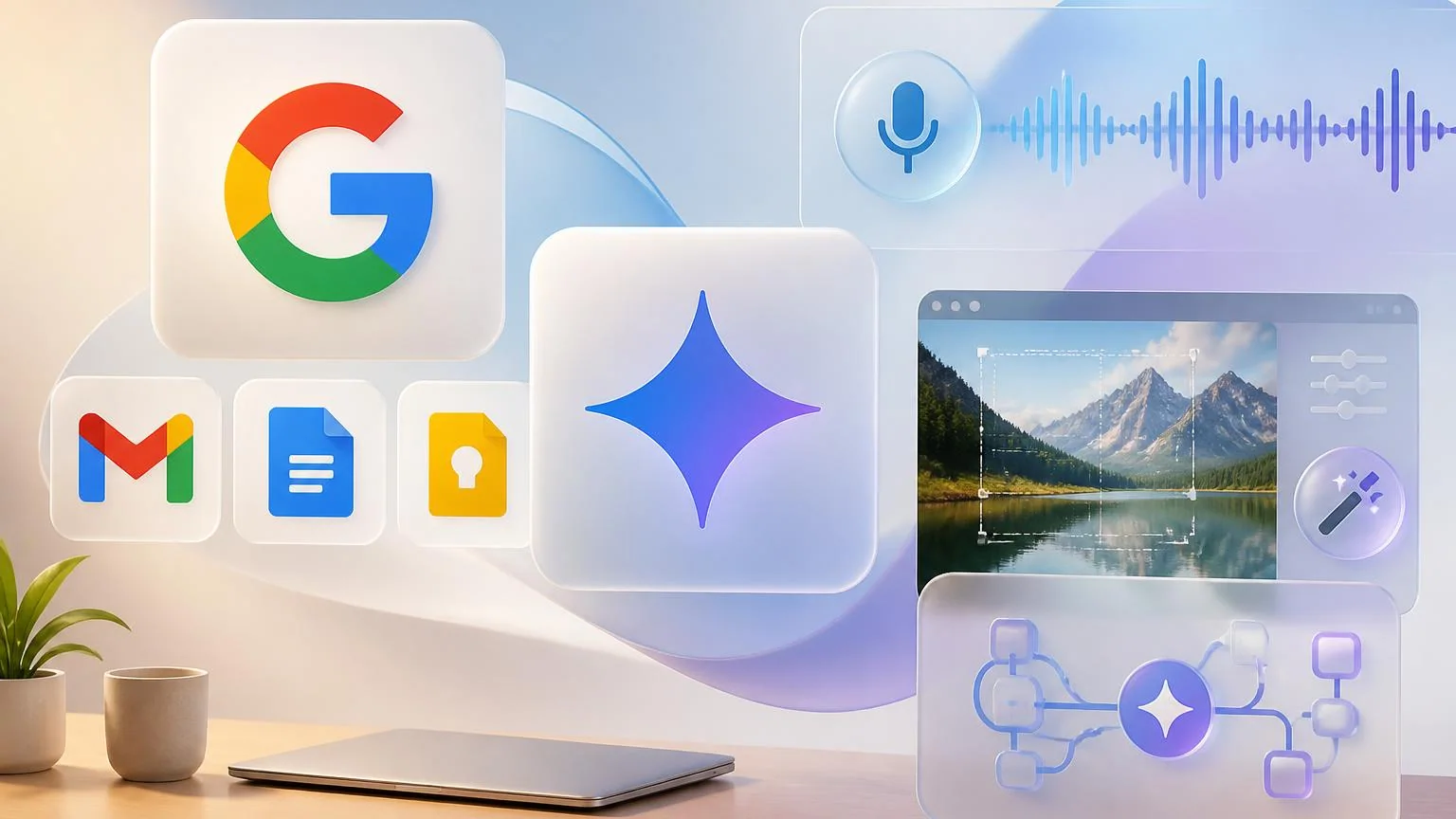
On May 19, 2026, Google used I/O 2026 to announce a new batch of Google Workspace updates: conversational voice features for Gmail, Docs and Keep, a new image creation and editing app called Google Pics, a wider rollout of AI Inbox in Gmail, and an upcoming preview of Gemini Spark for Google Workspace business customers. The package matters because Google is no longer just adding isolated AI buttons to productivity apps. It is pushing Workspace toward a more continuous automation layer for drafting, triage, visual asset creation and background task execution.
That makes this more than a product roundup. For teams already living inside Gmail, Docs, Drive, Chat and Slides, Google is trying to reduce the friction between having an idea, finding the right context, creating an output and taking the next action.
What Google launched in Workspace on May 19
The most immediate changes land inside familiar apps.
Voice in Gmail, Docs and Keep
Google introduced new conversational voice features for three different kinds of work. Gmail Live lets users search and synthesize inbox information by speaking. Docs Live turns spoken brainstorming into a structured draft and can, with permission, pull in relevant context from Gmail, Drive, Chat and the web. Keep can now turn a spoken brain dump into organized notes and lists.
Google said these voice features will roll out this summer to Google AI Pro and Ultra subscribers, and in preview to Google Workspace business customers. That timing matters because Google is framing the release as both a consumer productivity upgrade and a workplace feature set.
Google Pics
Google also unveiled Google Pics, a new image creation and editing tool built on its Nano Banana model. The important detail is not just image generation. Google is emphasizing precise edits such as object-level changes, in-image text editing and translation, shareable canvases and Workspace integrations that start with Slides and Drive.
Google Pics launches first to a limited group of trusted testers, then is set to roll out this summer to Google AI Pro and Ultra subscribers globally and in preview for Google Workspace business customers. That puts image editing closer to ordinary team workflows like pitch decks, internal presentations, event graphics and campaign assets instead of leaving that work in separate creative tools.
AI Inbox expansion
Google used I/O to widen access to AI Inbox in Gmail and add more action-oriented features. The update adds personalized draft replies, surfaces relevant Docs, Sheets and Slides links next to tasks, and makes it easier to dismiss suggestions or clear groups of inbox tasks. AI Inbox was already available for Google AI Ultra subscribers and in preview to Google Workspace Enterprise Plus customers; Google said it is now starting to roll out to Google AI Plus and Pro subscribers in the U.S.
Gemini Spark in Workspace
The biggest longer-term signal is Gemini Spark. Google described Spark as a 24/7 personal AI agent that can work in the background, connect across apps and take action under user direction. In the Workspace announcement, Google said Gemini Spark in Google Workspace will be available soon in preview for business customers.
That business-preview detail is important. Google is no longer treating agents as something separate from work software. It is bringing the agent layer into the same environment where teams already handle communication, documents, schedules and approvals.
Why the voice and inbox features matter first
Gemini Spark will grab the bigger headlines, but the first practical automation gains for most teams are likely to come from voice input and inbox triage.
Voice changes in Gmail, Docs and Keep reduce one of the most common blockers in knowledge work: the time cost of translating rough thoughts into usable work artifacts. Sales reps, managers, founders and field operators often know what they need to say before they have time to type it cleanly. A voice-first workflow turns that friction into a faster path from thought to action.
- Gmail Live points toward faster information retrieval for people who treat email as an operating system for work.
- Docs Live is especially relevant for first-draft work such as memos, project briefs, client follow-ups and meeting synthesis.
- Keep voice organization matters for lightweight capture workflows where ideas usually die before they become structured tasks.
AI Inbox pushes the same logic into email operations. Instead of only summarizing messages, Google is moving toward a more task-centric inbox where the system identifies what needs attention, drafts a likely response and pulls the related file into view. For teams that run projects through email and shared documents, that is a meaningful workflow change. It compresses triage, context gathering and first action into one surface.
Google Pics and Spark show where Workspace automation is going
Google Pics and Gemini Spark matter because they extend Workspace beyond writing and summarization.
With Google Pics, Google is trying to pull visual production into the same productivity stack where teams already build decks, documents and internal collateral. The Slides and Drive integrations are the key clue. If image generation and precise editing happen closer to presentation and file workflows, marketing, sales enablement, recruiting and operations teams can move faster without as much tool-switching.
Gemini Spark is the bigger architectural signal. In Google’s Gemini app announcement, the company said Spark runs on Gemini 3.5, uses the Antigravity harness, works in the cloud and stays active even when a laptop is closed. Google also said Spark is deeply integrated with Workspace tools like Gmail, Docs and Slides. In practice, that means Google is moving from assistant behavior toward background workflow execution.
For workplace automation, that opens a more serious set of possibilities:
- recurring monitoring across inboxes and calendars,
- automatic creation of draft documents from fragmented notes and messages,
- cross-app handoffs where research, drafting and follow-up happen in sequence,
- and task execution that still pauses for user approval on higher-stakes actions.
Google’s emphasis on asking before sensitive actions also shows where the company thinks enterprise comfort will come from. The near-term model is not fully autonomous office software. It is supervised automation inside tools employees already trust.
What teams should watch next
The practical question is not whether these features are interesting. It is which ones actually change how work gets done.
Three things stand out.
- First, rollout sequencing matters. Voice features and Google Pics are coming this summer, while Gemini Spark for Workspace business customers is only described as coming soon in preview. Teams should expect the assistant layer to arrive before the full background-agent model is widely available.
- Second, Workspace is getting more action-oriented. AI Inbox and Spark both show Google trying to move from summarizing work to advancing it.
- Third, familiar apps are becoming the automation surface. The real bet is that users will adopt AI faster when it shows up inside Gmail, Docs, Keep, Slides and Drive instead of inside a separate orchestration product.
For operators, that means the best early use cases are likely to be the unglamorous ones: inbox cleanup, first drafts, note structuring, lightweight asset creation and recurring information checks. Those are not the flashiest AI demos, but they are exactly the kinds of workflows that accumulate real time savings across a team.
The larger implication is clear. Google I/O 2026 did not just add more AI to Workspace on May 19. It showed a more concrete path for how everyday workplace automation may spread: voice first, triage second, creation next, and always-on agents after that.