
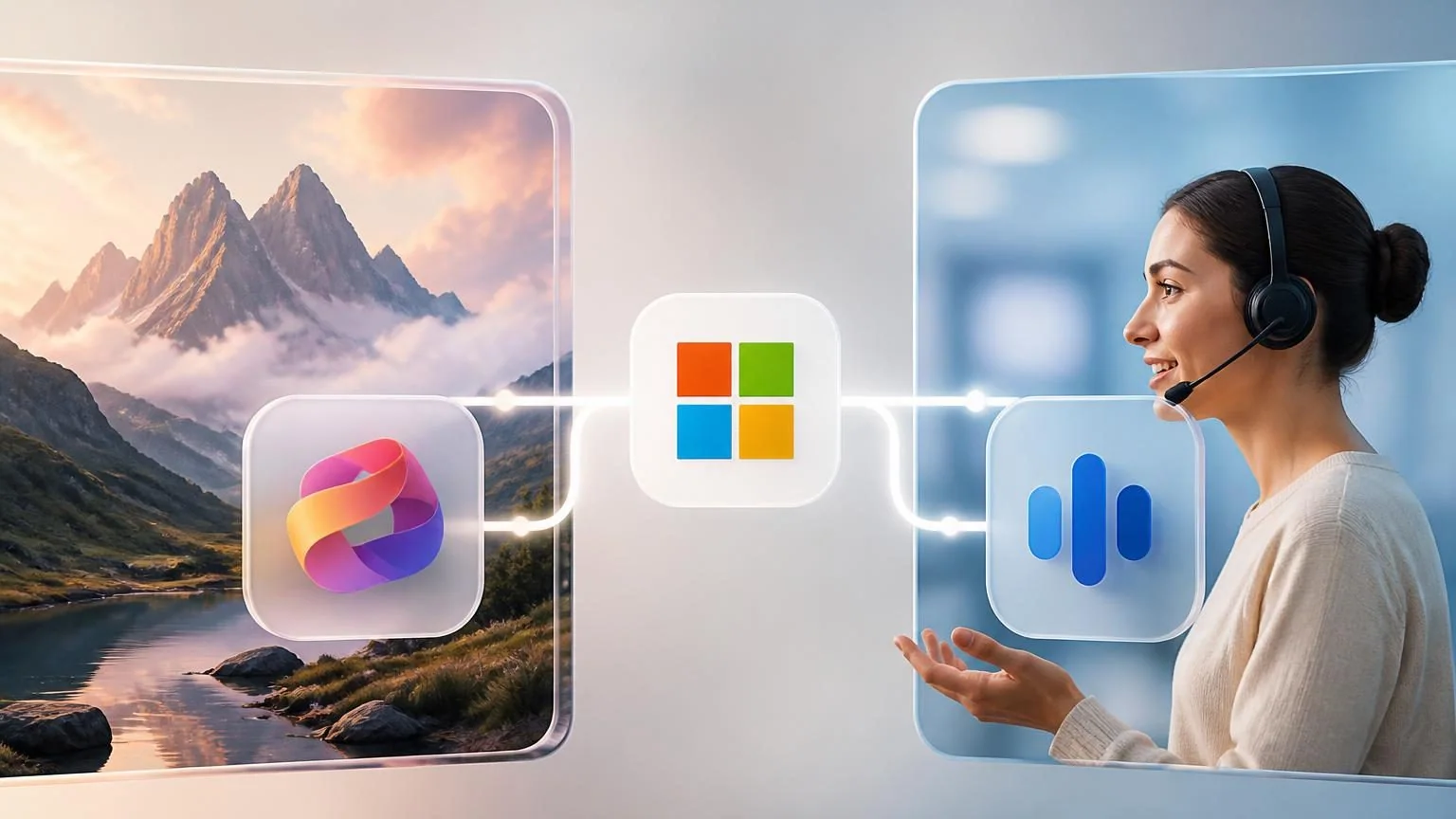
Microsoft’s July 23 launch of MAI-Image-2.5-Pro and MAI-Voice-2-Flash is more than a pair of model previews. It is a clear production signal: enterprise AI is moving away from the idea that one frontier model should power every task.
Microsoft says its MAI image, voice, transcription, code, and reasoning models are being deployed across product surfaces including Bing, PowerPoint, OneDrive, Dynamics 365, and Azure. The newest releases separate premium image generation and editing from high-volume, low-latency speech—two workloads with very different operating requirements.
What Microsoft released
MAI-Image-2.5-Pro is a public-preview image model for high-fidelity generation, image-to-image editing, and precise visual changes. Microsoft positions it for jobs where visual quality and controllability matter, such as creative production and detailed editing.
MAI-Voice-2-Flash is a public-preview text-to-speech model built for responsive, high-volume interactive experiences. Microsoft says it supports 15 languages and 18 locales, with a focus on low latency for voice agents, assistants, and contact-center workflows.
The important distinction is operational. Image generation can justify a higher-cost, quality-first model when the output is customer-facing. A voice workflow needs fast turn-taking, reliable audio, and predictable unit economics at scale.
The bigger shift: match models to the job
Microsoft reports that MAI-Image-2.5 is the default model in Bing Image Creator and for key OneDrive image-editing scenarios, while MAI-Voice-2-Flash powers Dynamics 365 Contact Center and is available through Azure Voice Live. These are examples of a workload-specific architecture rather than a universal-model strategy.
For business teams, the lesson is to stop evaluating models only through a single benchmark or a general chat demo. A useful AI system combines the right model, tools, data access, policies, monitoring, and human escalation path for a particular business outcome.
How to apply the model-routing mindset to agents
Start by breaking an agent workflow into its actual jobs. A customer-support voice agent may need speech recognition, knowledge retrieval, policy checks, an action layer, text generation, and text-to-speech. Each component has a different sensitivity to quality, latency, privacy, and cost.
Then set measurable service targets. For example, define acceptable response delay, answer accuracy, containment rate, escalation conditions, and cost per completed interaction. A model that looks best in isolation may be the wrong choice once it slows the workflow or raises the cost of a successful outcome.
Finally, preserve swapability. Model providers, pricing, and capabilities change quickly. Keeping interfaces, evaluation datasets, and observability separate from one model choice lets teams improve a production workflow without rebuilding it.
What to watch next
Microsoft’s launch suggests that the competition is shifting from headline model releases to where specialized models can run reliably in production. Expect more vendors to offer model families optimized for particular modalities, latency tiers, and enterprise controls.
For buyers, the most durable question is not “Which model is smartest?” It is “Which combination of models and controls delivers the required business result at an acceptable cost and risk?” That is the decision framework that turns an AI demo into an operating system for work.