
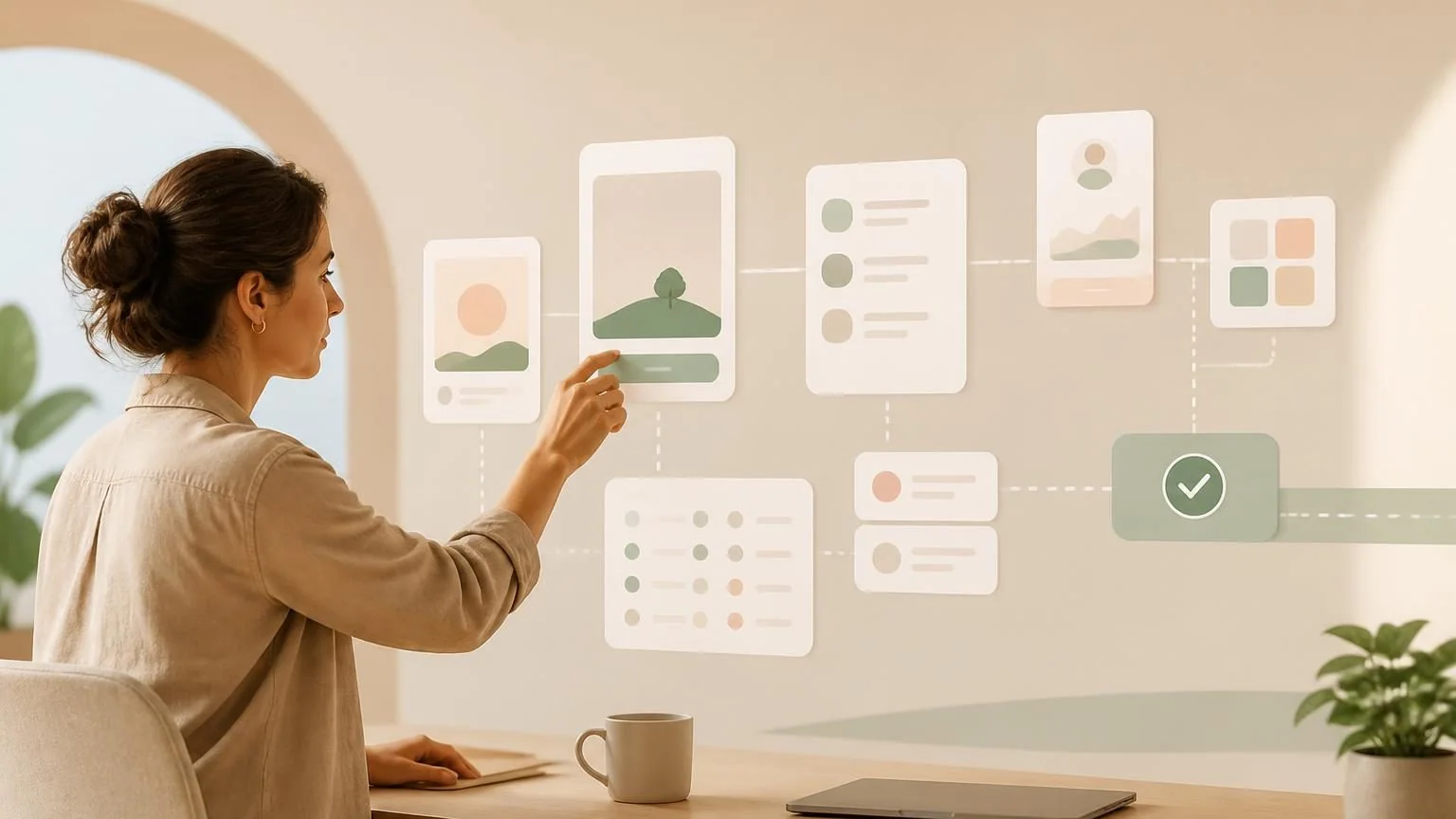
Direct answer: Yes, for many prototypes and bounded apps. AI can generate screens, workflows, data models, and code, while no-code services can host the result. Complexity returns when the app needs secure accounts, payments, sensitive data, offline behavior, scale, integrations, or app-store release.
What “without coding” really means
A conversational builder may let you describe an app and receive working screens without typing a programming language. Underneath, software still exists: database rules, authentication, APIs, dependencies, and deployment settings. The platform or generated code handles those details until something unusual breaks. No-code changes who writes syntax; it does not eliminate engineering decisions.
Strong first projects include internal trackers, directories, simple calculators, approval queues, lightweight customer portals, and prototypes used to test demand. A medical record system, financial trading app, multiplayer game, or mass-market social network is not a sensible first no-code experiment. Start with one user, one problem, and one successful end state.
Describe behavior as testable stories
Replace “make me an app like a marketplace” with specific stories: a visitor can create an account, a seller can publish an item, a buyer can filter approved listings, and an administrator can remove prohibited content. For each story, define required information, permission, success, failure, and notification. This gives the builder a contract and gives you a way to test the result.
Sketch the core data before generating screens. Decide which records are canonical, who owns each one, and what may be changed or deleted. Duplicate customer, payment, or inventory data creates inconsistencies quickly. Use supported services for identity and payment rather than asking a model to invent security-critical code. Keep sample data synthetic during early iterations.
Prototype and production are different milestones
A prototype proves that people understand and want the experience. Production means the app survives invalid input, duplicate taps, dropped connections, expired sessions, unavailable vendors, and simultaneous users. It also needs backups, monitoring, support, incident response, and a release process. A generated demo that works once on the creator’s device has not crossed that gap.
Test every role separately. Confirm that one user cannot view or change another user’s records, that administrators have only intended authority, and that deleted or disabled accounts behave correctly. Check password recovery, data export, account deletion, payment cancellation, notification preferences, and accessibility. Record failures as reproducible cases before asking AI to repair them.
Mobile stores add another review layer
A web app can be opened in a browser; a native mobile app must also meet Apple or Google distribution requirements. Store review considers privacy disclosures, account deletion, payments, permissions, content, and technical behavior. Policies change, so check the current official rules for the exact app at submission time rather than trusting an old checklist or generated answer.
Minimize device permissions. A scheduling app does not need contacts, precise location, microphone, and photo access merely because the platform can request them. Explain each permission in context and make the app useful when optional access is declined. Test on physical devices and older supported operating systems, not just a browser preview.
Plan for cost, ownership, and escape
No-code pricing may depend on users, records, workflows, storage, API calls, or deployment environments. Estimate the successful customer journey rather than only the starter subscription. Ask what happens when a limit is reached and whether the app fails, slows, or creates a surprise bill. Include store accounts, messaging, monitoring, backups, and support in the budget.
Determine whether you own generated code and can export the database, assets, configuration, and user records. Keep domain and store accounts under your control. If exports are incomplete, document the lock-in as a deliberate decision. A migration becomes much harder after customers and operational history accumulate.
Know when to bring in a developer
A developer is useful before launch when failures can expose personal data, lose money, deny access, or damage many users. They can review the architecture, permission model, data migrations, observability, and deployment. A designer or researcher may be more valuable when the primary uncertainty is whether users understand or want the product.
The lean path is to generate a narrow prototype, test it with real prospective users, remove features they do not need, and then harden the remaining journey. AI can keep accelerating edits, documentation, and tests. The creator remains responsible for deciding what is safe to ship and for supporting people affected by the app. Preserve test records so later changes can be checked against the behavior users already rely on.