
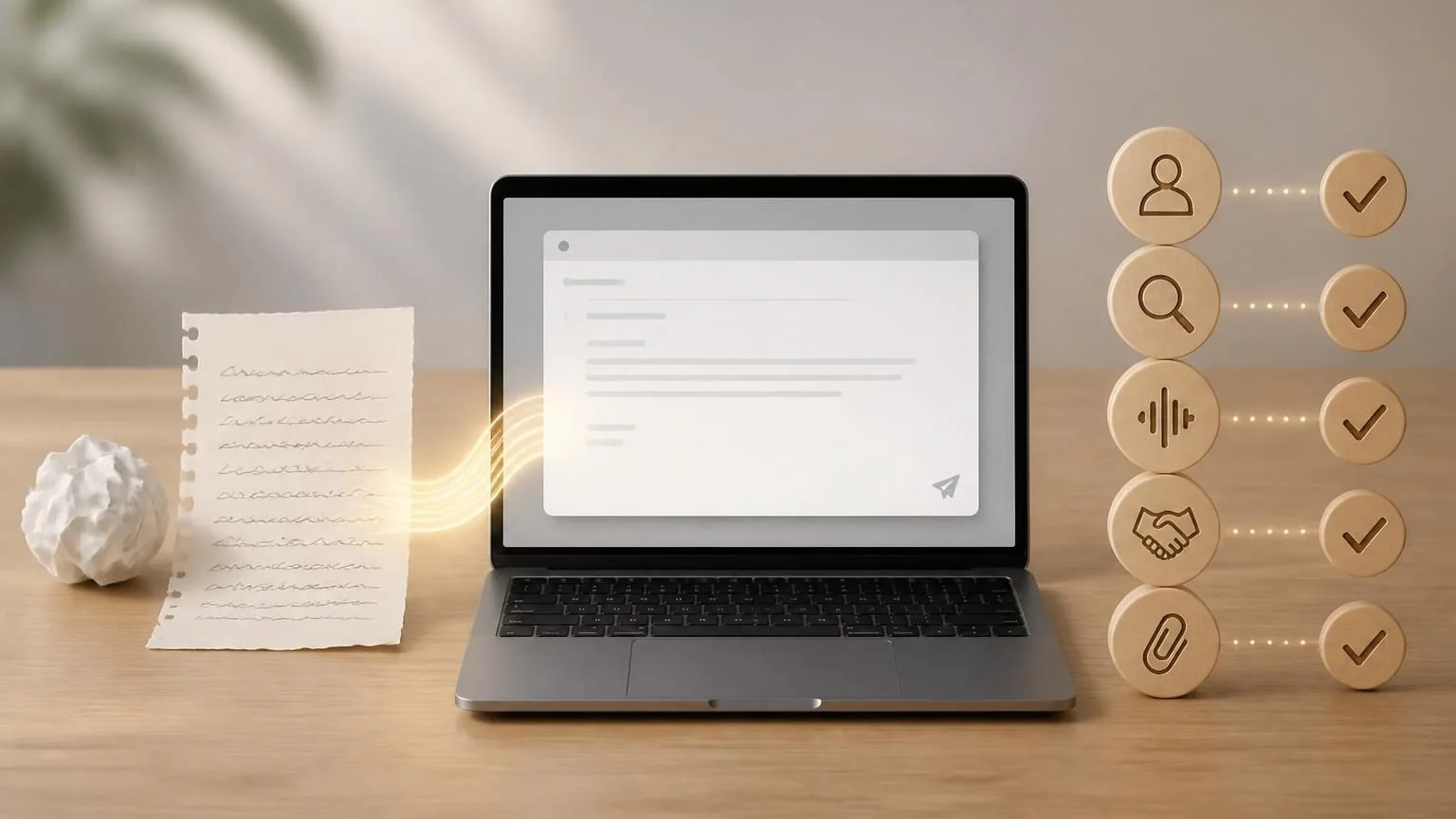
Direct answer: Yes. AI is useful for outlining, shortening, clarifying tone, and creating alternatives. Supply only the context needed, label facts and desired action, and review the entire message yourself—especially recipients, attachments, dates, prices, legal language, confidentiality, and any promise made in your name.
Decide the email’s job first
Before generating sentences, write the recipient, purpose, facts, requested action, deadline, and desired tone. “Write a professional email” gives the tool no way to distinguish a status update from a complaint, apology, negotiation, or binding approval. A one-line outcome such as “confirm the revised meeting time without accepting the proposed price” prevents a polished draft from making the wrong commitment.
Separate facts from preferences and unknowns. Provide exact dates and names only when necessary, and instruct the tool to leave a visible placeholder rather than guess. If the issue is emotionally charged, draft the core facts first and decide later whether empathy, firmness, or escalation belongs in the message.
- Name the single action the recipient should take.
- List statements the email must not make.
- Choose whether the message is a draft, reply, or final record.
Minimize the context you disclose
Email threads contain addresses, signatures, phone numbers, account details, internal opinions, customer records, and confidential attachments. Most writing help needs only a short redacted summary. Replace people and organizations with placeholders, remove quoted history, and avoid pasting legal, medical, employment, or security information into an unapproved consumer tool.
If an assistant is connected directly to the inbox, review its scopes and whether it can read, draft, send, delete, or download attachments. Draft access is different from send authority. Workplaces should use approved accounts and policies; a personal AI account does not become suitable for company data because the output will eventually be sent by work email.
- Paste the smallest excerpt that preserves meaning.
- Remove tracking links, hidden recipients, and prior-thread attachments.
- Restore real details only during final review in the email client.
Ask for structure and alternatives
AI is particularly useful for producing a short subject-line set, a direct opening, a fact sequence, a clear request, and a courteous closing. Ask for two versions with stated tradeoffs—brief and warm, or formal and plain—rather than endless rewrites. You remain the editor choosing what fits the relationship and culture.
For a difficult message, ask the system to identify ambiguous pronouns, buried requests, unsupported accusations, and sentences that could sound harsher than intended. Do not ask it to manipulate, impersonate a lawyer, or manufacture consensus. A professional tone can still be clear about disagreement and consequences.
- Prefer concrete verbs over inflated business phrases.
- Keep one topic per paragraph.
- Put deadlines and requested actions where they cannot be missed.
Verify facts, quotations, and commitments
A drafting model may change a date, strengthen “may” into “will,” merge two prices, invent a policy, or attribute a statement to the wrong person. Compare every factual sentence with the calendar, contract, ticket, invoice, or original message. Do not trust a generated quotation unless you can locate the exact words in the source.
Review sentences that create obligations: approvals, refunds, delivery dates, confidentiality promises, admissions, employment decisions, legal positions, and financial instructions. If you lack authority, frame the next step accurately—for example, “I will ask the account owner” rather than “we approve.” Qualified review may be required for consequential communications.
- Highlight every number, date, proper noun, and promise.
- Check links against the visible destination.
- Make uncertainty explicit instead of allowing the draft to resolve it.
Keep the message recognizably yours
Generated email often overuses pleasantries, long transitions, and generic enthusiasm. Remove language you would not say or cannot defend. Match the established relationship: an old colleague, grieving customer, regulator, and new prospect require different judgment that a style label cannot fully supply. Never use AI to imitate a specific coworker without permission.
Read the message aloud and use plain language. Explain specialized terms the recipient may not know, format lists accessibly, and avoid conveying meaning through color alone. Translation or disability-related communication may need a competent interpreter or accommodation process, not merely a rewritten email.
- Remove fake warmth and exaggerated certainty.
- Use the recipient’s correct name and form of address.
- Check whether a phone call or secure portal is the better channel.
Perform the send-screen review
Review inside the actual email client, not only in the AI window. Confirm To, Cc, and Bcc; reply-all scope; subject; quoted history; signatures; attachment names and contents; permissions on shared links; timezone; and scheduled-send time. Search for placeholders and comments. Open attachments from the draft to ensure the intended version is present.
For high-impact messages, wait, reread, and ask an authorized person to review. Sending is an external action with consequences; a language model’s fluency does not transfer accountability. Save the approved message in the appropriate record system and delete unnecessary redacted drafts according to policy.
- Use delay-send when a mistake would be costly.
- Never send credentials or one-time codes by ordinary email.
- Confirm the reply channel for sensitive follow-up.