
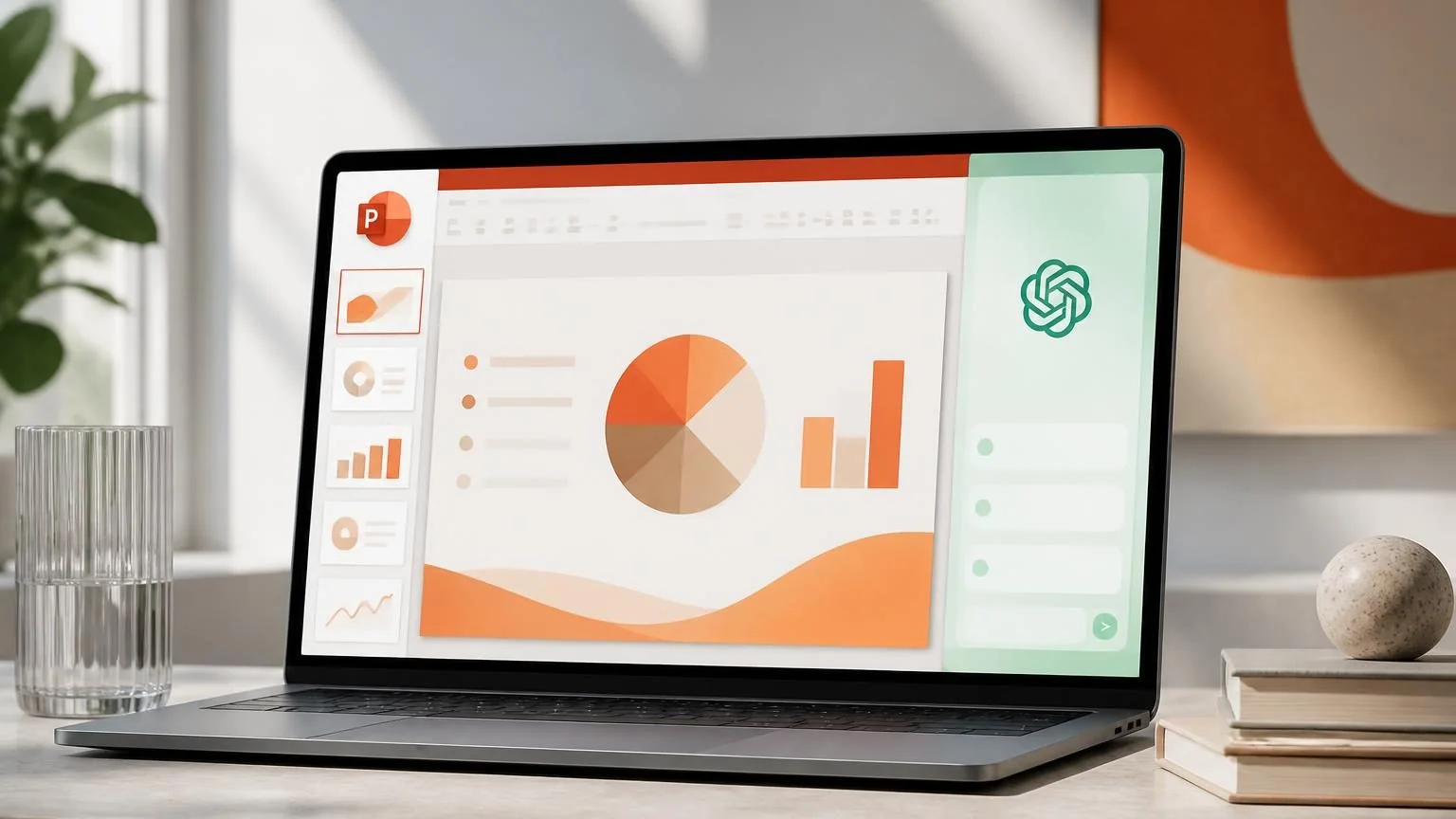
OpenAI just moved ChatGPT for PowerPoint from a nice-to-have add-in into a real business workflow. The feature now lives inside Microsoft PowerPoint, can draft and revise slides, and is available across major ChatGPT plans. For teams that spend hours turning notes, documents, and spreadsheets into decks, that is a meaningful product shift.
The bigger story is not only speed. It is that presentation work is being pulled into the same AI layer as source material, approvals, and workspace controls.
What OpenAI shipped
ChatGPT for PowerPoint is a PowerPoint-native experience that lives in a sidebar inside Microsoft PowerPoint. OpenAI says it can create a first draft from source material, add or revise slides in an existing deck, answer questions about a presentation’s story and structure, and help tailor a deck for a specific audience.
That matters because it keeps the editable slide structure intact. In other words, the output is not just a text dump you have to rebuild by hand.
Why this matters for business teams
The most obvious use cases are presentation-heavy teams: leadership updates, business reviews, sales decks, customer briefings, and internal strategy documents. Those are exactly the kinds of workflows where people already gather source notes in one place and then spend too much time formatting, rewriting, and tightening the narrative.
For those teams, the practical value is not “AI makes slides.” It is “AI can help standardize the first draft, the story arc, and the revision cycle inside the tool people already use.” That can cut down on handoffs between docs, chat, and PowerPoint.
The rollout and pricing details to watch
OpenAI says ChatGPT for PowerPoint is available globally to Free, Go, Plus, Pro, Business, Enterprise, ChatGPT Edu, and K-12 users. Free and Go users get limited usage access, while Plus, Pro, and Business are subject to plan usage limits.
For Business workspaces, OpenAI says the feature is generally available and remains free through August 6, 2026. After that, it moves to flexible pricing and draws from the workspace credit pool. For Enterprise and Edu, OpenAI says the feature supports workspace policy enforcement, scoped source access, Compliance API coverage for prompts and responses, EU Inference Residency, and Enterprise Key Management.
OpenAI also says workspace agent runs switched to token-based pricing on July 6, 2026. That broader pricing change is a reminder that the company is increasingly tying workplace AI value to usage, not just seats.
What to do before you roll it out
Before a team standardizes on ChatGPT for PowerPoint, it should answer three questions:
- Which deck types are repetitive enough to automate?
- Which source systems should feed those decks?
- Where must a human stay in the loop for accuracy, compliance, or brand review?
The best early use cases are usually first drafts, structure cleanup, and source-grounded summaries. Final investor decks, regulated claims, and numbers-heavy board slides still need careful review.
That is why this launch matters. It is not just another presentation helper. It is another sign that business AI is moving from standalone chat to embedded, governed workflows.