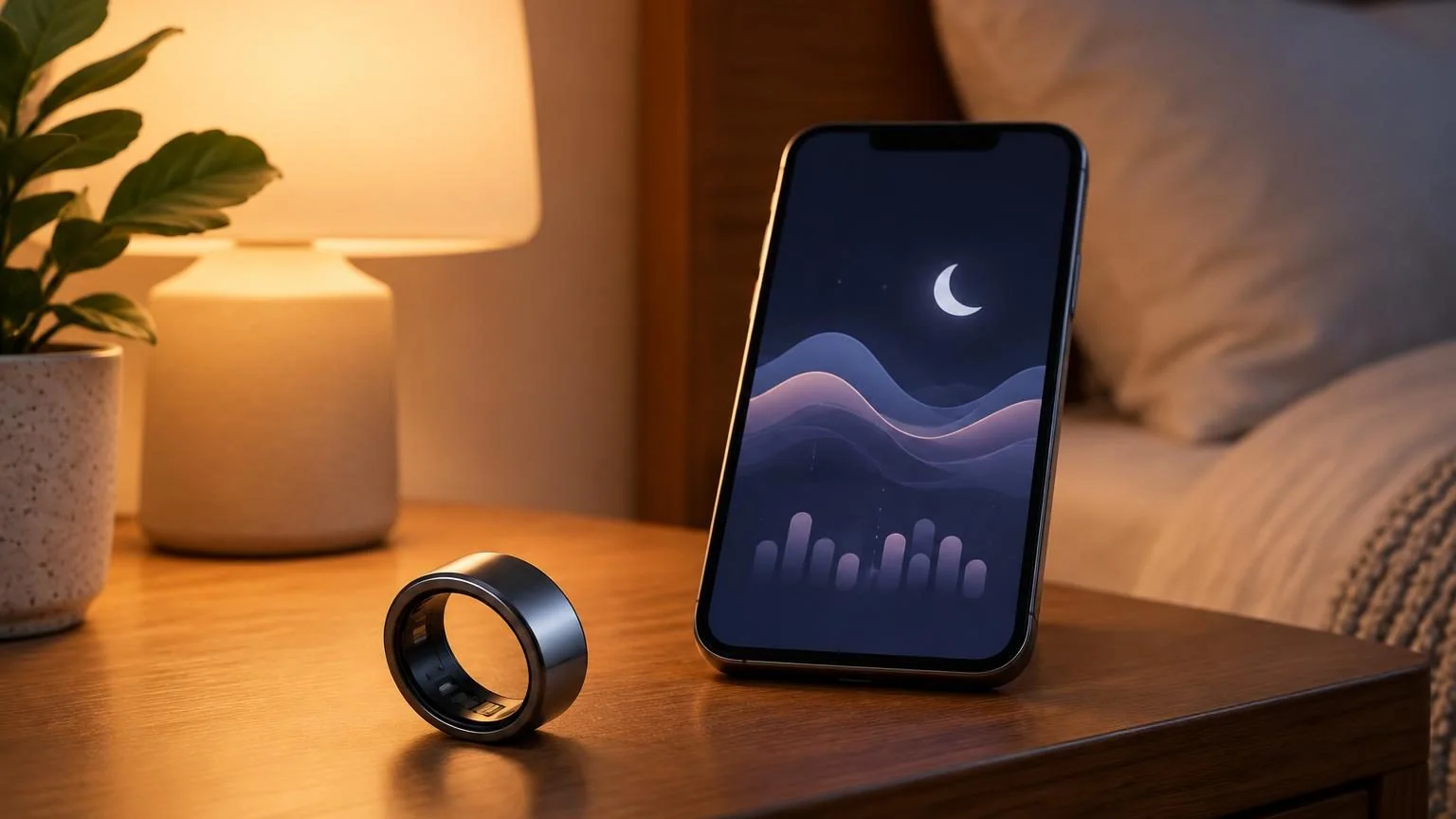
Samsung announced on November 3, 2026 that its updated Sleep Apnea feature is available in the United States on Galaxy Ring and supported Galaxy Watch devices. The expansion brings a regulated screening function to a ring-shaped wearable, adding another way for eligible users to collect sleep-related information.
What was cleared and what became available
The FDA database records a July 20, 2026 decision for Samsung Sleep Apnea Feature v2.0, classified as an over-the-counter device to assess sleep-apnea risk. The November milestone is the availability announcement, following that earlier clearance.
Samsung’s launch documentation describes on-demand screening for adults aged 18 and above, using two nights of valid data within a ten-day period. It explicitly excludes people already diagnosed with sleep apnea and says the feature should not replace diagnosis or treatment by a qualified clinician.
The software and device requirements matter
Samsung’s setup guide explains that a compatible Galaxy phone and wearable must work with the Health Monitor app. Software rollout can affect when an individual device gains support. The launch article and evolving support guide list compatibility at different points in that rollout, so buyers should check their exact model and software before assuming access.
The FDA’s technical summary describes software running across the phone and accessory device, with optical and motion data used to assess breathing disruptions. This establishes a particular intended screening function. It does not make every sensor reading a standalone clinical measurement.
A useful result needs the right interpretation
The practical value of a feature like this is in helping a person bring relevant information to a healthcare conversation. An app result should be read alongside its intended use and limitations. Samsung’s guide says a negative result cannot rule out every case, and advises people with concerns to consult a healthcare professional.
For readers comparing wearable features, it helps to ask exactly what an app reports. General sleep summaries, trends, and regulated risk-screening outputs have different purposes. The product label and instructions are the appropriate place to confirm which purpose applies.
What to verify before purchase
A buyer interested in this function can check three concrete details. First, confirm current support in the country where the device will be used. Second, check the specific wearable, phone, and required software. Third, read the eligibility and intended-use information before relying on a promotional description.
This week’s update is meaningful because it expands the form factor available for a defined screening task. Its usefulness depends on eligible use, compatible devices, and an accurate understanding of what the software can report. Those details deserve as much attention as the hardware itself.