
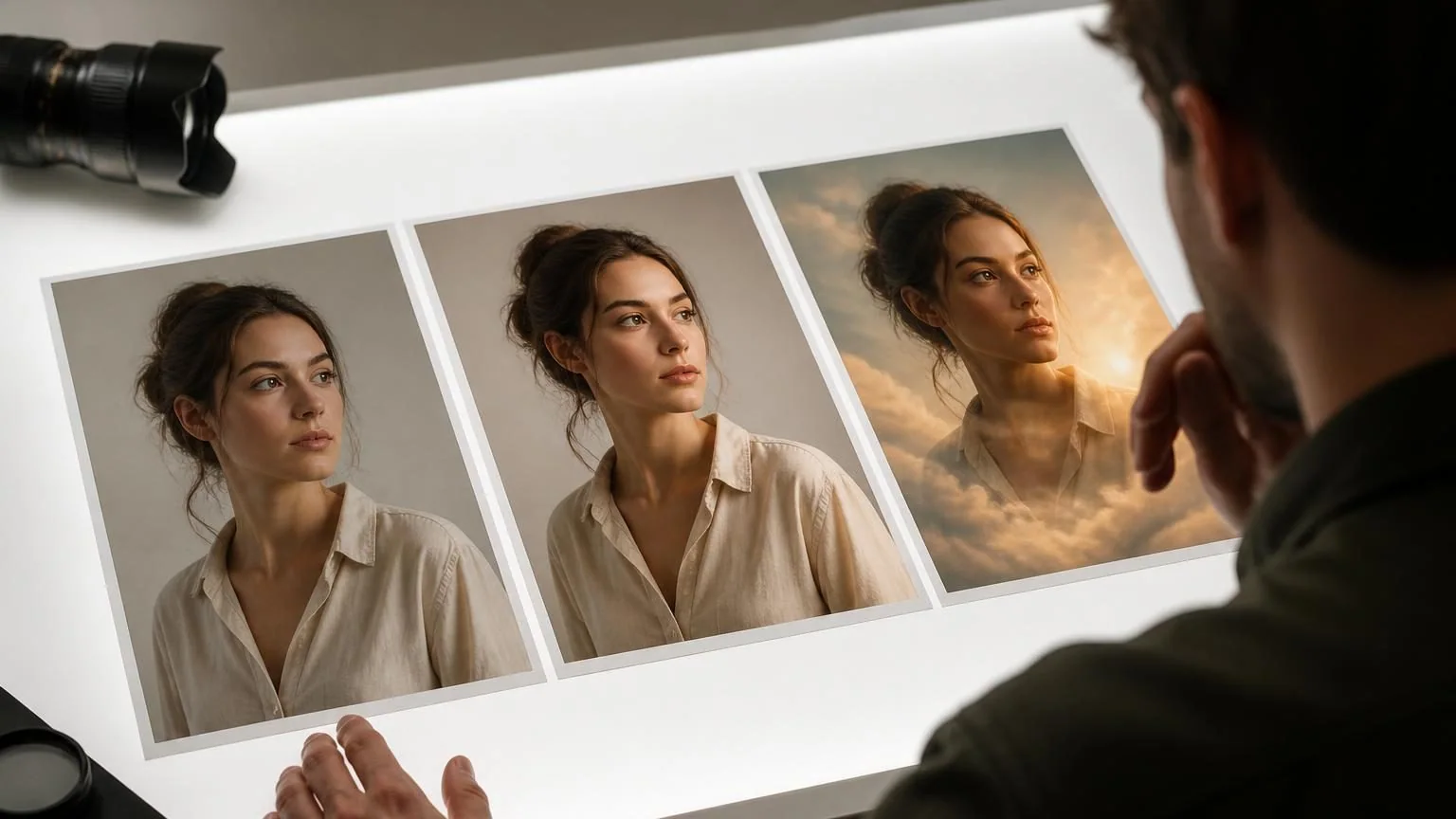
Direct answer: Yes. AI can correct exposure, remove distractions, restore damage, expand a frame, change backgrounds, and generate new details. Results can look convincing while being factually wrong, so preserve the original, zoom in, respect the people depicted, and disclose edits when authenticity matters.
Edits range from correction to invention
Noise reduction, sharpening, color balance, masking, and dust removal generally transform pixels already present. Object removal, generative fill, face reconstruction, relighting, and background replacement may synthesize details the camera never captured. Both are useful, but they carry different truth claims. Decide whether the goal is faithful restoration, polished presentation, or imaginative art before choosing a tool.
Use conservative settings first and compare against the untouched file. AI can alter jewelry, teeth, hands, signage, uniforms, skin texture, reflections, architecture, and background people without announcing the change. A pleasing thumbnail is not evidence that the edit remains accurate at full resolution.
Preserve the original and an edit trail
Duplicate the source file before upload and keep its metadata when provenance matters. Work non-destructively with layers, masks, versions, or sidecar instructions where the editor supports them. Name exports by purpose rather than overwriting the only copy. A version trail lets you undo an error and explain what changed later.
Review the entire frame at high magnification, not only the requested object. Compare edges, shadows, repeated texture, faces, text-like shapes, and perspective. Print or export at the final size because compression and resizing can expose artifacts hidden in the editor preview. For restoration, retain a minimally corrected version alongside any speculative reconstruction.
Privacy changes when a photo leaves your device
A photo may reveal faces, children, a home interior, medical information, documents, location metadata, or bystanders. Check whether editing happens locally or on a provider’s servers, how long uploads and outputs are retained, whether they may improve models, and how deletion works. Workplace, school, client, and patient images may be governed by additional policy or law.
Crop or blur information the task does not require and strip location metadata when appropriate. Do not upload intimate images, confidential evidence, identification documents, or private client material to a general consumer editor without authorization and suitable contractual safeguards. A privacy toggle cannot supply consent that was never obtained.
Consent and likeness are separate from copyright
Owning a photograph does not automatically grant unlimited rights to manipulate or commercially exploit every person’s likeness. Publicity, privacy, defamation, biometric, election, and sexual-image laws vary by jurisdiction and context. Never create deceptive intimate imagery or place a real person in a harmful fabricated scene. Obtain clear permission for sensitive or promotional transformations.
Copyright questions also depend on the source image, license, human authorship, and the scope of the edit. A licensed stock photo may restrict modification or model-related use. A generated addition may receive different protection from the photographer’s original composition and human retouching. Keep source licenses and document substantial human choices.
Match disclosure to the use
A fantasy portrait shared as art needs different disclosure from a news image, insurance record, scientific figure, property listing, product photo, or court exhibit. If an edit could change what a reasonable viewer believes happened or what a product includes, label it clearly and preserve the source. Do not rely on tiny metadata that disappears when an image is copied.
Content Credentials and similar provenance records can carry edit history or origin signals, but adoption is incomplete and metadata can be removed. They support, rather than replace, honest presentation. Organizations should define which edits are permitted, which require approval, and which contexts prohibit generative alteration.
A safe editing workflow
State the permitted change, duplicate the source, minimize the upload, apply the smallest effective edit, inspect the whole frame, compare at final size, and ask the depicted person or accountable editor to approve sensitive results. Export an appropriate format and keep the source, instructions, tool name, date, and final version together.
For casual images, this may take minutes. For journalism, medicine, law, science, identity documents, or evidence, use the applicable professional standard and approved tools; generative edits may be unacceptable. AI editing is strongest when it saves repetitive labor while a person remains responsible for truth, consent, and release. Reopen the exported file outside the editing service before delivery, because color profiles, transparency, crop boundaries, and embedded metadata can change during export.