
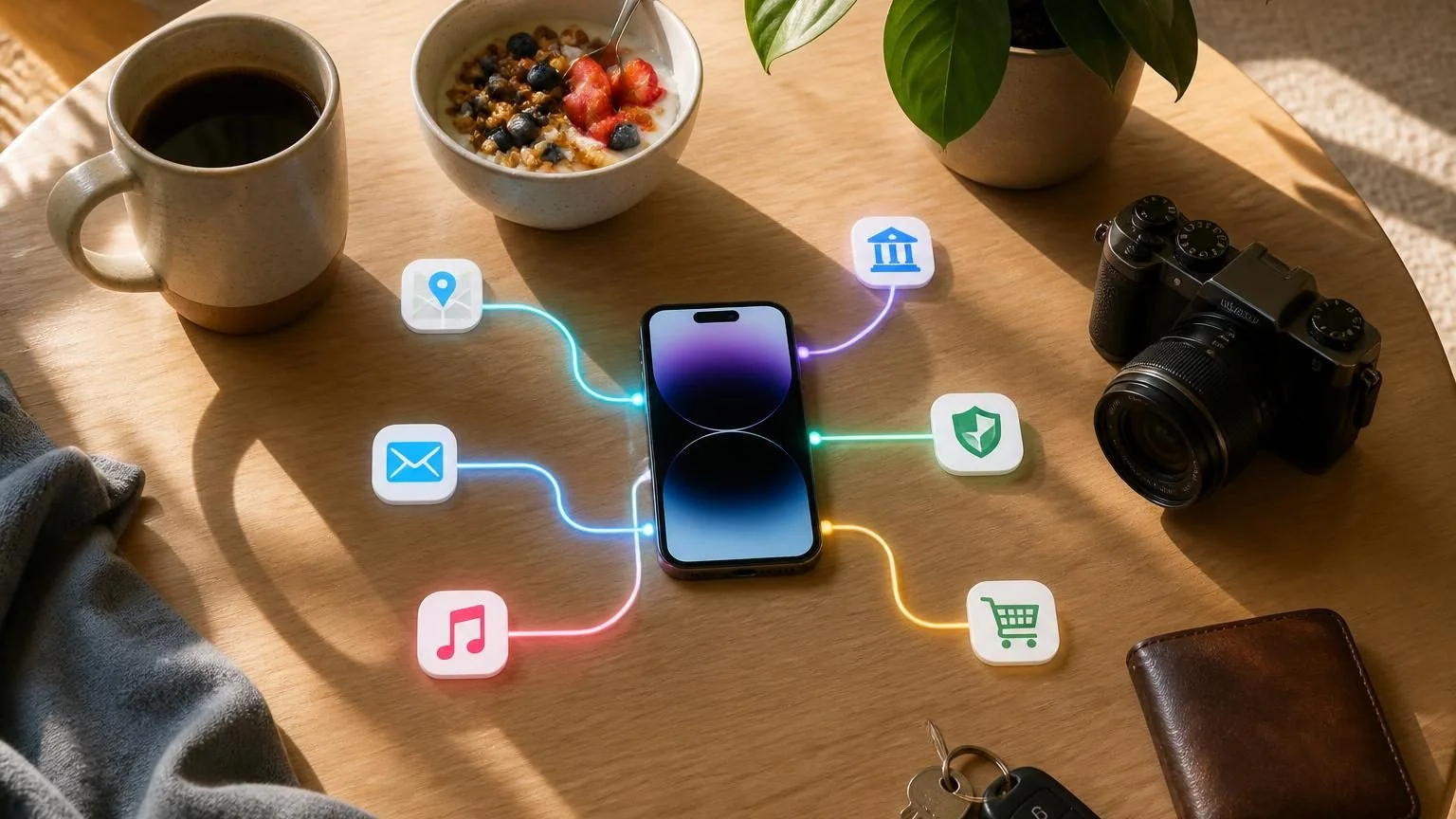
Direct answer: You are likely already using AI through spam filters, search ranking, recommendations, map traffic estimates, phone cameras, speech recognition, fraud detection, translation, accessibility features, and workplace software. AI is often one component inside a service, so you may use it without opening a product labeled “AI.”
AI often hides inside an ordinary feature
The most common AI does not introduce itself. When an email provider separates spam from legitimate mail, a mapping service estimates arrival time, or a phone improves a low-light photo, a learned model may be making one small decision inside a much larger application. The buttons, account system, map, and payment logic are conventional software; AI handles the part that depends on a messy pattern.
This is why counting “AI apps” understates daily use. One app may call several models for speech, ranking, safety, prediction, and generation. Another may advertise AI while using it for only a minor feature. The honest way to identify AI is to ask whether software is inferring an output from data rather than merely applying a fixed instruction.
Not every personalized or automated feature is AI. A timer is automation. A playlist sorted alphabetically is a fixed rule. A playlist ranked from listening patterns is likely using machine learning. The experience can look similar even though the mechanism differs.
On your phone and in your home
A smartphone is a dense collection of small AI systems. Face or fingerprint matching can help authenticate the owner. Camera software identifies scenes, separates subjects from backgrounds, stabilizes video, and combines exposures. Speech recognition turns audio into text. Predictive keyboards rank likely next words. Photo libraries group people, objects, or locations so they can be searched.
Accessibility features also use AI: live captions, image descriptions, voice control, sound recognition, and text-to-speech can turn one kind of information into another. Smart speakers and televisions may recognize requests or recommend content. Home-security products can distinguish a person, package, vehicle, or animal from generic movement, although their accuracy and privacy practices vary.
- Portrait mode and automatic photo enhancement
- Voice dictation, captions, translation, and screen readers
- Face matching for device access or photo organization
- Predictive typing and suggested replies
- Doorbell alerts that classify visible activity
While searching, reading, and communicating
Search engines have long used machine learning to interpret queries, rank results, detect low-quality pages, and match meaning rather than exact words. Newer search experiences may also generate a summary. Those are separate functions: ranking chooses sources, while generation writes new language from available context. Either can be wrong in different ways.
Email systems classify spam, phishing, promotions, and priority messages. Social networks rank feeds and recommend accounts. Messaging apps filter abuse, suggest replies, or create captions. Translation services infer a likely expression in another language rather than replacing each word mechanically. Video calls can reduce noise, blur backgrounds, frame speakers, and transcribe conversation.
These conveniences involve tradeoffs. Ranking determines what becomes visible. Moderation can miss harmful content or incorrectly suppress valid speech. Translation can lose context. A sensible user treats the output as assistance and checks anything consequential.
While traveling, shopping, and watching
Maps combine current signals and historical patterns to estimate traffic, arrival time, route demand, and busy periods. Airlines and travel sites may forecast demand or personalize offers. Driver-assistance systems use cameras and other sensors to recognize lanes, vehicles, signs, or hazards, but the driver’s responsibilities depend on the exact system and local rules.
Retailers use models to rank search results, recommend products, forecast inventory, detect suspicious reviews, and decide which promotion to show. Streaming services recommend movies, music, podcasts, or short videos from patterns across content and use. The recommendation is an estimate of likely engagement, not an objective list of what is best for you.
| Moment | Likely AI task | Question worth asking |
|---|---|---|
| Planning a route | Traffic and arrival prediction | Is the route current and safe? |
| Shopping online | Search and product ranking | Why am I seeing this option? |
| Watching a feed | Engagement recommendation | Is this serving my goal or the platform’s? |
| Using driver assistance | Perception and prediction | What must the human still monitor? |
In money, health, school, and work
Banks and payment networks use models to identify unusual activity, assess risk, route transactions, and reduce fraud. A model’s alert is not the final truth; legitimate purchases can look unusual and fraud can resemble normal behavior. Financial decisions that materially affect people deserve explanation, testing, and a way to challenge errors.
Health-related AI can support imaging, scheduling, transcription, risk estimation, wearables, and administrative work. Consumer devices may categorize sleep, movement, heart rhythm, or other signals. Those features have specific intended uses and limitations; a wellness estimate is not automatically a diagnosis. Follow qualified medical guidance for health decisions.
Schools and workplaces use AI for writing assistance, search, meeting transcription, candidate matching, security, analytics, and customer service. These contexts raise stronger questions about privacy, consent, bias, monitoring, and accountability because one person may be affected by a system chosen by someone else.
How to spot AI and use it deliberately
Look for language such as “recommended,” “predicted,” “smart,” “personalized,” “generated,” “recognized,” or “detected.” Read the feature description, privacy notice, and settings rather than assuming the label tells the whole story. Ask what data is collected, whether it is used for training, how long it is retained, and whether personalization or model improvement can be disabled.
Then match trust to consequence. A poor song recommendation costs little. An incorrect fraud lock, route instruction, health interpretation, or employment score can matter greatly. For high-impact uses, look for the source, confirm important facts elsewhere, keep records, and use available review or appeal channels.
You do not need to reject every hidden model or accept every convenience. Awareness gives you choices: change a setting, provide less data, use chronological rather than ranked views, verify an output, or choose a service with clearer controls.
- Identify the prediction or ranking the feature is making.
- Check whether you can turn personalization or training use off.
- Do not confuse a generated summary with the underlying source.
- Verify outputs when money, safety, health, rights, or reputation are involved.
- Report errors so the provider and affected organization have evidence.