
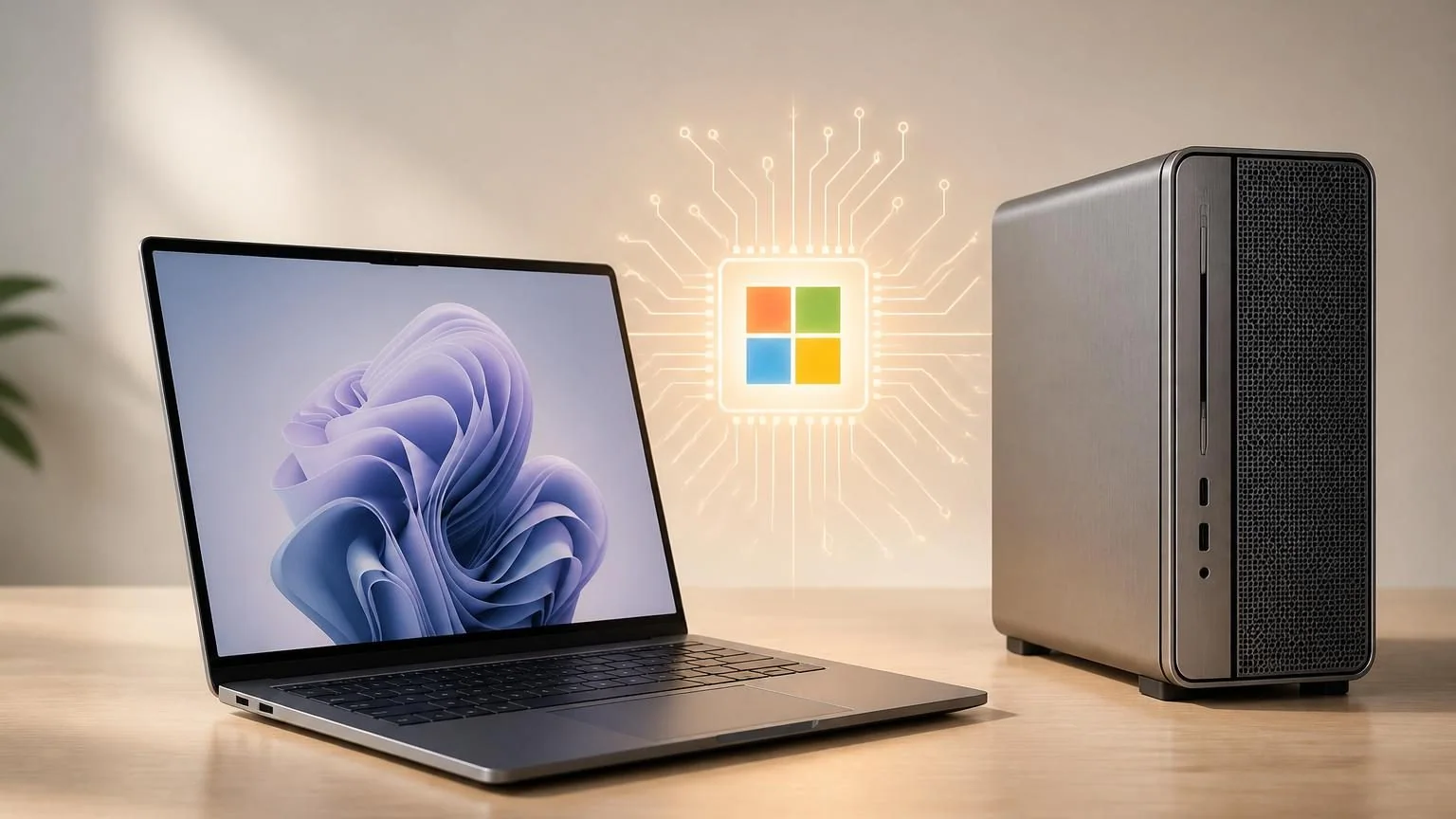
An AI PC is a laptop or desktop with a CPU, GPU, and dedicated NPU so some AI workloads can run on the device instead of relying entirely on the cloud. For business buyers, that matters because local AI can improve responsiveness, reduce dependence on constant connectivity, and keep more sensitive work on the machine itself. It also matters because the phrase AI PC is broader than the marketing makes it sound: some teams only need on-device AI features, while others actually need much heavier local compute.
The practical question is not whether a machine is labeled for AI. It is whether the hardware matches the job you want AI to do.
What makes a PC an AI PC
At a basic level, an AI PC combines three kinds of processors: a CPU for general-purpose work, a GPU for more parallel and demanding AI tasks, and an NPU for power-efficient on-device inference. That mix is what separates an AI PC from an older machine that can still access AI tools but mostly depends on cloud compute.
It also helps to separate AI PC from Copilot+ PC. Copilot+ PCs are a narrower Windows category with stricter requirements, including an NPU capable of at least 40 TOPS, plus minimum hardware such as 16GB of RAM and a 256GB SSD. In other words, every Copilot+ PC is an AI PC, but not every AI PC reaches that bar.
How the main processors split up AI work
| Component | Best at | Why buyers should care |
|---|---|---|
| CPU | General system work, orchestration, small low-latency AI tasks | Still matters for everyday speed, app behavior, and workflow coordination |
| GPU | Parallel AI workloads, larger local models, image and video generation, heavier inference | Usually becomes the deciding factor when teams want serious local AI performance |
| NPU | Power-efficient on-device inference for sustained AI features | Helps with battery life, privacy, and always-on assistant features without pushing all work to the CPU |
That split is the key to understanding the category. An AI PC is not one magic chip. It is a device designed to send the right AI job to the right engine.
Where AI PCs help most in real business work
The strongest AI PC use cases are usually the ones that benefit from local processing but do not require large, multi-user model serving. Think of AI PCs as improved endpoints first, not miniature data centers.
Everyday productivity and collaboration
For knowledge workers, AI PCs are a good fit for meeting effects, live captions, transcription, intelligent search, summarization, note cleanup, and writing assistance that can run partly on-device. These are the kinds of tasks where low latency and battery efficiency matter more than massive model size.
Privacy-sensitive personal workflows
If a user needs to work with documents, recordings, or internal notes that should stay on the device whenever possible, an AI PC can be attractive. Local inference will not solve every security requirement on its own, but it can reduce how much routine data has to leave the device for basic AI features.
Offline and low-connectivity work
Field staff, traveling executives, and hybrid workers do not always want AI tools that stop being useful when the connection drops. AI PCs help most when teams want a useful local layer even before a heavier cloud system is added on top.
Small-scale local experimentation
Developers and technical teams can also use AI PCs for light local testing, prompt workflows, and early evaluation of small models. This is especially useful when the goal is to prototype an experience before deciding whether it belongs on a workstation, a server, or a cloud platform.
Where AI PC marketing gets ahead of reality
The most common mistake is assuming that an NPU-heavy laptop is automatically the right machine for serious local agents or large language models. It often is not.
AI PCs are excellent for efficient on-device features, but heavier local AI usually pushes the bottleneck toward GPU memory, system RAM, storage speed, and sustained thermal performance. If your team wants to run larger local models, multimodal workflows, or long-running agent loops, the question quickly becomes less about the NPU label and more about VRAM, cooling, concurrency, and how much work must happen locally.
This is why discrete-GPU workstations still matter. NVIDIA’s own workstation guidance focuses on larger GPU memory, multiple GPUs, and local development or inference workflows that can then scale to the data center or cloud. NVIDIA also notes that GPU memory directly limits the size and complexity of local models. As a rough example, a 7B-parameter model in FP16 can require around 28GB of GPU memory once overhead is included, which is far beyond what a normal thin-and-light business laptop is built around.
That does not mean AI PCs are overhyped. It means they solve a different problem. They are usually the right answer for user-level AI acceleration, not for every local AI ambition a company may have.
How to choose the right hardware without overbuying
The safest approach is to work backward from the workflow instead of forward from the marketing label.
- Define the AI job first. Are you improving personal productivity, evaluating private local models, deploying a team assistant, or running a production agent that needs to touch business systems?
- Decide where inference must happen. If the main benefit is privacy, latency, or offline use for an individual employee, an AI PC may be enough. If the workload serves a department or needs stronger local model performance, you may need a workstation or a server layer.
- Check the real bottleneck. For endpoint AI features, NPU capability matters. For larger local models, GPU memory usually matters more. For document-heavy and multimodal work, RAM and fast storage also become more important than buyers expect.
- Plan for hybrid reality. Many companies do not need an all-local or all-cloud answer. A common pattern is AI PCs for the endpoint, with heavier agent execution or model serving handled by a workstation, server, or managed cloud layer.
In practice, that leads to a simple buying pattern:
- Choose an AI PC when the user mostly needs on-device assistance, collaboration features, private personal workflows, and lighter local AI.
- Choose a workstation when the team wants larger local models, heavier multimodal work, frequent experimentation, or sustained GPU-accelerated workflows.
- Choose cloud or hybrid deployment when the AI system must serve many users, integrate with multiple business systems, or scale beyond one powerful machine.
Common buying mistakes to avoid
Buying on TOPS alone
TOPS can help explain NPU capability, but it does not tell you everything about real business performance. A device can look strong on paper and still be the wrong fit if the actual workload needs more GPU memory, better cooling, or more RAM.
Assuming local is always cheaper
Local AI can reduce some cloud costs, but it also moves cost into hardware, device refresh cycles, support, driver management, and endpoint security. For many teams, the right answer is selective local inference, not a blanket “do it all on the device” strategy.
Ignoring storage and RAM
Buyers often focus on processors and forget that large files, local models, retrieval indexes, and multimodal workflows all create pressure on memory and storage. A machine with a respectable NPU can still feel constrained if the rest of the system is undersized.
Treating user devices as full AI infrastructure
An employee laptop can be a great AI endpoint. It is not automatically the best place to host a business-critical agent workflow. If the system needs governance, shared access, approvals, or integration across many tools, endpoint hardware is only one part of the design.
A practical checklist before you buy
- List the top three AI workflows each user group actually needs.
- Mark which tasks must stay local for privacy, latency, or offline access.
- Separate endpoint features from heavier model-serving requirements.
- Check NPU capability for on-device features, but check VRAM for larger local model ambitions.
- Do not buy thin-and-light devices for workstation-class expectations.
- Budget for RAM and SSD capacity, not just processor branding.
- Decide early whether the long-term design is local, cloud, or hybrid.
If you are still early in planning, the best next move is usually not buying the most aggressively branded device. It is mapping the workflows first and matching the hardware tier to the real rollout.
For teams moving from research to implementation, that usually means deciding whether you need a single role-based agent, a coordinated AI team, or a broader rollout plan. If that is the stage you are in, start with Scope for rollout planning, explore Nerova One for a specific agent workflow, or review Nerova Alien for multi-agent operations.