
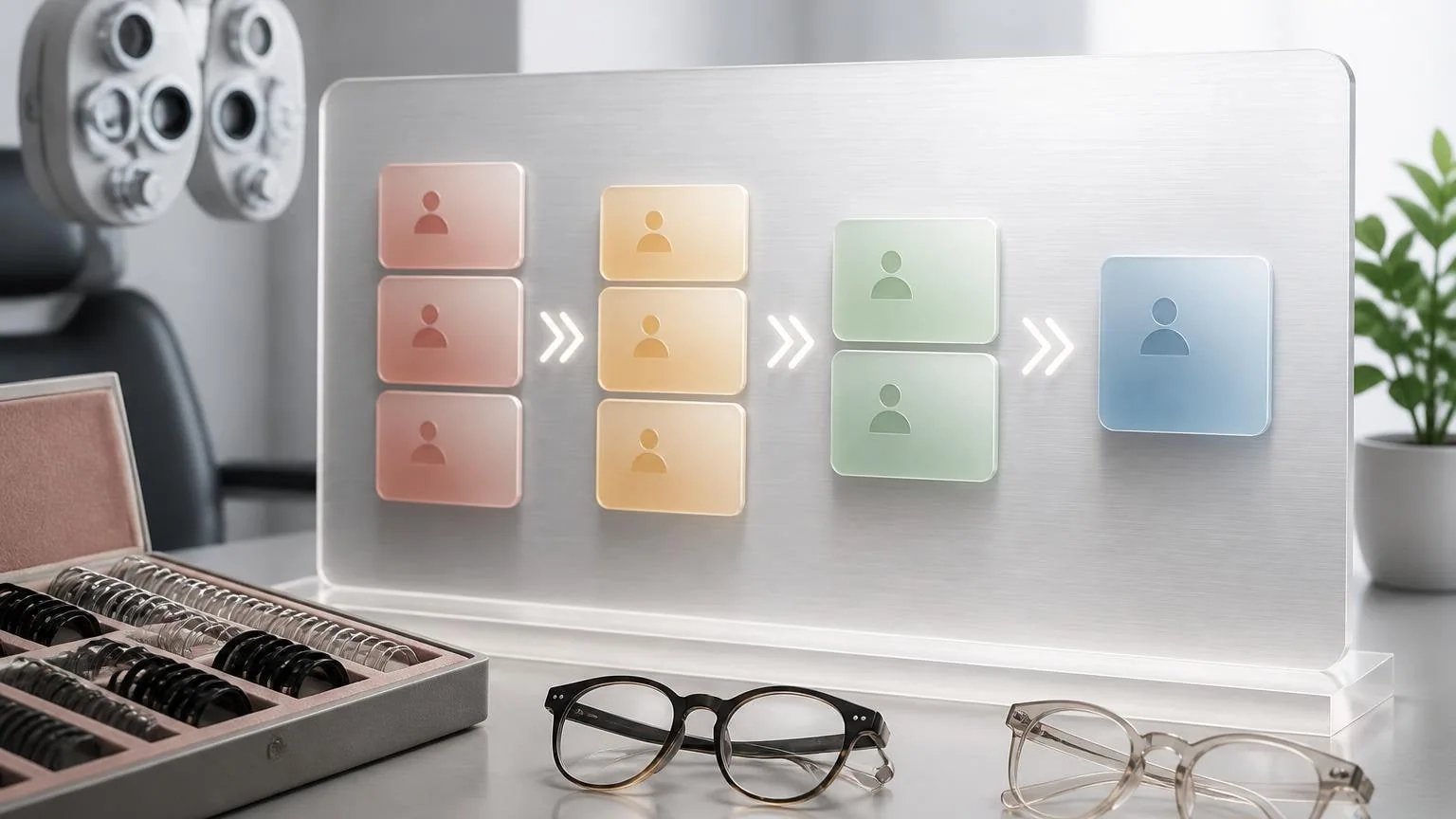
Optometry clinics do not usually feel recall problems all at once. The warning signs show up quietly: next month’s schedule looks lighter than it should, contact lens patients drift past their expected return window, and the team keeps meaning to work the overdue list but never gets through it. A tightly scoped AI recall assistant can help by handling the repetitive parts of recall and reactivation so staff can focus on exceptions, patient questions, and real front-desk work.
The key is scope. The first assistant should not try to practice optometry, set clinical intervals on its own, or replace provider judgment. It should identify who is due based on the clinic’s rules, send the right reminder through the right channel, make booking easy, and escalate anything unusual back to the team.
Where optometry recall quietly breaks
Most optometry recall systems break because different patient types get dumped into one generic workflow. Routine comprehensive exams, contact lens renewals, follow-up visits, and medically important monitoring do not belong in the same message queue, yet many clinics still handle them that way.
That creates three problems at once. First, patients get vague reminders that do not match why they should return. Second, staff waste time manually sorting who is simply due versus who is meaningfully overdue. Third, the schedule gets softer in ways that are hard to trace back to a single failure point.
In a busy clinic, recall work also competes with everything else the front desk already owns: answering calls, checking eligibility, working reschedules, managing optical questions, and handling walk-ins. So recall becomes a batch project instead of an always-on process. By the time someone finally opens the overdue list, it is already too broad to work cleanly.
That is why recall is often a better first automation than a full AI receptionist for optometry. The workflow is narrower, the rules are clearer, and the practical outcome is measurable: more due patients contacted, more appointments booked, and fewer overdue records sitting untouched.
What the first optometry AI recall assistant should actually handle
A useful recall assistant should sit between the clinic’s patient list and the next booked appointment. Its job is operational follow-up, not clinical decision-making.
Good first tasks
- Pull patients who are due soon or already overdue based on provider-defined rules.
- Segment lists by visit type, such as routine exams, contact lens follow-up, and reactivation of longer-lapsed patients.
- Draft and send channel-appropriate outreach by text, email, or phone workflow.
- Offer a simple next step, such as a direct booking link or callback option.
- Log response status so staff can see who booked, who needs a second touch, and who should stop receiving the current sequence.
- Flag records that need human review before any additional outreach.
What should stay with staff
- Choosing or changing clinical recall intervals.
- Responding to symptom-based questions or anything that sounds urgent.
- Handling insurance edge cases, prescription disputes, and optical product exceptions.
- Deciding how to message patients with prior findings or sensitive follow-up needs.
- Approving any workflow that blends care reminders with promotional offers.
If a clinic gets this boundary right, the assistant becomes useful fast. If it gets this boundary wrong, recall turns into a risky mix of automation and guesswork.
Example workflow: from a 14-month-lapsed contact lens patient to a booked exam
Trigger
Every weekday at 7:00 a.m., the system checks the clinic’s practice management data for patients who have crossed a defined recall threshold. One patient appears on the list: last comprehensive exam 14 months ago, contact lens wearer, no future appointment on the books, preferred communication set to text.
Context
The assistant sees the clinic’s approved recall rules for contact lens patients, the patient’s last completed visit type, preferred location, prior provider, and the approved scheduling link for eligible exam slots. It also sees that the patient has not opted out of care reminders.
Agent action
The assistant sends a short reminder tied to the actual reason for return instead of a generic “you are due” message. If the patient clicks through, the system offers the right appointment category and captures a booking request or confirmed slot. If there is no response, the assistant waits for the clinic’s approved second-touch window before sending a follow-up. If the patient replies with a routine scheduling question, the assistant can answer inside approved policy. If the patient mentions symptoms, prescription concerns, or anything that falls outside the recall script, the workflow stops and routes the conversation to staff.
Human handoff
The front desk receives a clean summary: why the patient was contacted, what message was sent, whether the patient booked, and whether an exception was triggered. Staff do not need to reconstruct the conversation from scratch. They step into the exact point where judgment is needed.
This is the kind of handoff that makes recall automation helpful. It shrinks repetitive work without hiding context from the people who still own patient care and schedule control.
How to launch this without turning recall into a spam machine
The safest rollout is to start with one recall lane, not the entire patient base. For many clinics, the best first lane is either overdue routine exams or overdue contact lens follow-up. Both are common, high-frequency, and easier to define than more clinically sensitive categories.
- Pick one patient segment first. Do not mix every exam type into the pilot.
- Write the recall rules down. Staff should be able to explain exactly who enters the workflow, when they enter it, and when they leave it.
- Use a small message set. One initial reminder and one follow-up is usually enough to prove whether the workflow is working.
- Define hard-stop escalation rules. Symptoms, urgent concerns, complex scheduling issues, and exceptions should go directly to staff.
- Measure booked outcomes, not activity alone. A recall system is not successful because it sent messages. It is successful because the right patients came back onto the schedule.
Clinics also need to stay disciplined about message content. Recall messages should stay focused on the patient’s next care step, avoid unnecessary detail, respect communication preferences, and make scheduling easy. If the workflow sounds generic or pushy, response quality drops quickly.
What to watch before you expand beyond recall
If recall starts working, the next temptation is to automate everything around it. That is usually too aggressive. A better path is to expand one adjacent workflow at a time, such as reschedule recovery, missed-call follow-up, or routine front-desk question handling.
That is also the point where a clinic should think in systems rather than single messages. Recall works best when it connects cleanly to scheduling rules, staff queues, and patient communication preferences. Clinics that want broader healthcare automation should treat recall as the first reliable building block, not the final destination.
That is where a broader healthcare AI setup becomes relevant: one workflow for recall, another for intake or phone overflow, and clear human ownership across all of them. But for most optometry clinics, recall is still one of the best places to start because the operational drag is obvious, the handoff points are manageable, and the business outcome is easy to see.