
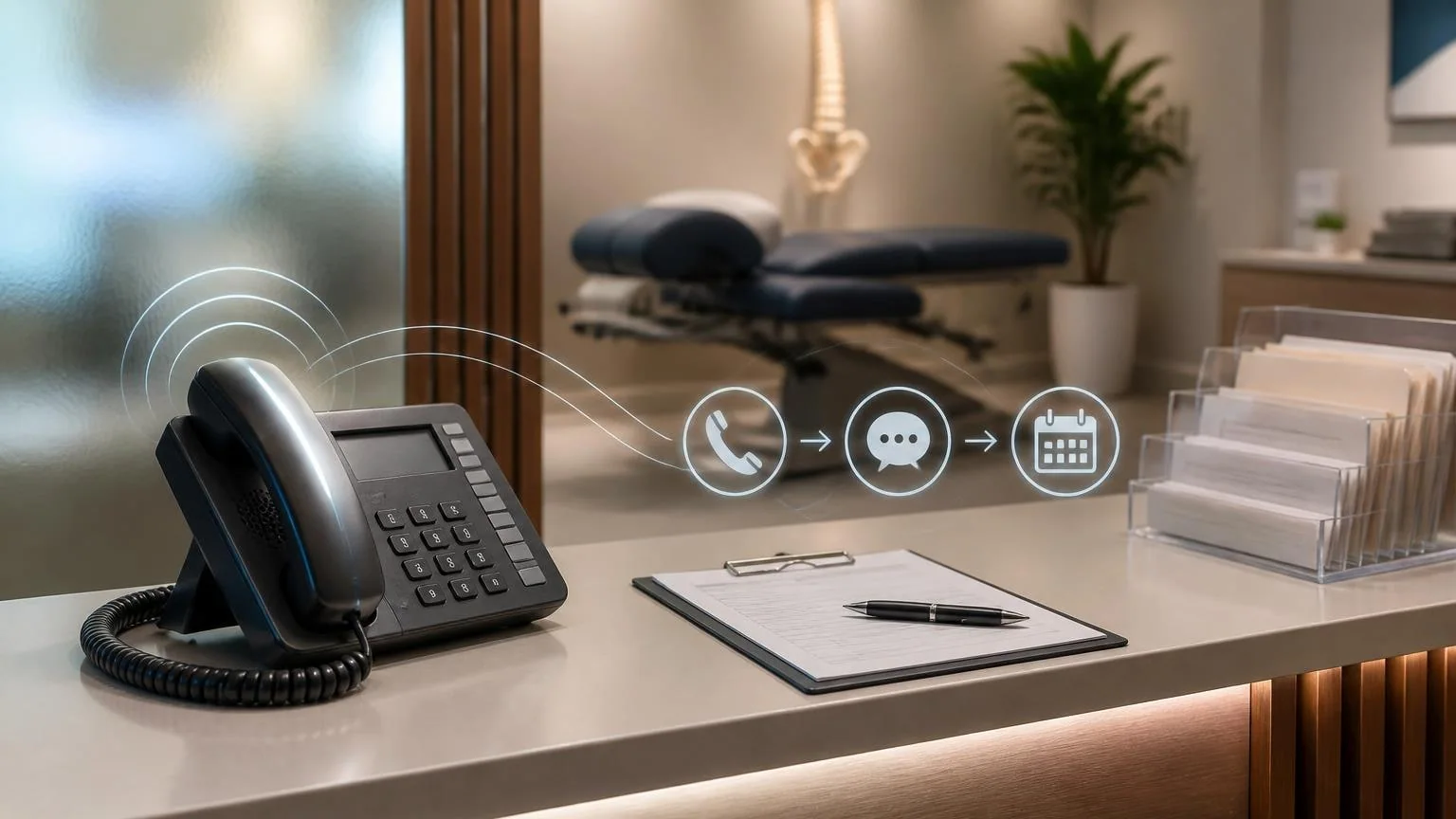
Chiropractic clinics do not usually lose growth because nobody is searching for care. They lose it when a patient in pain calls during a packed adjusting block, reaches voicemail, and books with the next clinic that answers. A tightly scoped AI receptionist can catch that first contact, collect the minimum intake details your team needs, and book approved new-patient slots without forcing the front desk to choose between the person at the desk and the one on the phone.
This is not a case for automating care decisions. It is a case for fixing a specific operational leak: missed or mishandled new-patient calls. For many clinics, that is the cleanest first AI workflow because the value is immediate, the boundaries are clear, and the human handoff points are easy to define.
Where chiropractic call capture actually breaks
New-patient calls in chiropractic tend to cluster at the worst possible moments: before work, lunch, late afternoon, and after hours. Those are also the moments when a chiropractic assistant is checking patients in, collecting copays, managing reschedules, and trying to keep the day on time. When the phone is treated as just one more front-desk task, new-patient conversion becomes inconsistent.
That matters because chiropractic is still a phone-first business for many prospective patients. People often want quick answers before they commit: whether the clinic takes their insurance, how soon they can be seen, what the first visit looks like, and whether their complaint sounds like something the clinic handles. If nobody answers quickly, the caller does not need much friction to move on.
- Peak-hour overload: the same staff member handles check-in, checkout, scheduling, and inbound calls.
- After-hours leakage: evening and weekend calls often hit voicemail with no real booking path.
- Inconsistent intake: one staff member asks the right questions, another forgets the basics, and follow-up quality changes by shift.
- Weak marketing conversion: the clinic pays for local search and referrals, but the first live interaction breaks down.
The result is not just missed calls. It is slower response time, vague notes, incomplete insurance details, and fewer booked evaluations from the demand you already paid to generate.
What the first chiropractic AI receptionist should actually handle
The best first automation is not diagnosis, care-plan explanation, or anything that sounds clinical. It is structured call capture and booking support for clearly defined visit types. In most chiropractic clinics, that means handling new-patient inquiries, missed-call recovery, routine scheduling questions, and after-hours booking requests for approved appointment windows.
A well-scoped AI receptionist can:
- answer immediately when staff are tied up or the office is closed,
- identify whether the caller is a new or existing patient,
- collect name, callback number, basic reason for visit, referral source, and preferred timing,
- ask approved operational questions such as insurance carrier or whether the issue followed an auto accident or work injury,
- offer only the appointment types and calendar slots the clinic has approved,
- send intake links or next-step instructions by text, and
- route red flags, billing complexity, or clinical questions to staff for follow-up.
What it should not do is just as important. It should not promise that chiropractic will treat a condition, quote benefits as if coverage is confirmed, interpret symptoms, or give urgent medical advice beyond your approved escalation script. The goal is to move the caller from inquiry to a clean next step, not to replace the clinical judgment of the doctor or the judgment of an experienced CA.
Example workflow: from a 5:37 p.m. back-pain call to a booked evaluation
Trigger
A new caller reaches the clinic at 5:37 p.m. The front desk is closing out the day, and no staff member is free to answer before voicemail would normally pick up.
Context
The clinic has already defined which new-patient visit types the AI receptionist may offer, what insurance and accident-intake questions are allowed, what language should be used for urgent symptoms, and which cases require a human callback before booking.
Agent action
The AI receptionist answers immediately, confirms that the caller is seeking a first appointment, gathers the caller's name and phone number, asks for a short description such as lower-back pain after lifting, checks whether the case involves auto injury or workers' compensation, and offers the next approved evaluation openings. Once the patient chooses a slot, the agent books it, sends a text confirmation with intake forms, and writes a structured note into the clinic workflow.
Human handoff
When the office opens, staff see a booked visit with the relevant intake summary already attached. If the caller mentioned red-flag symptoms, unusual insurance questions, or a legally sensitive injury context, the AI does not improvise. It flags the case for same-day staff review or routes it according to the clinic's handoff rules.
This is the real win: the clinic does not wake up to a vague voicemail that says, "Call me back." It wakes up to a scheduled visit or a clearly documented follow-up task.
Buyer considerations before you put this on live calls
Chiropractic owners should evaluate this workflow as an operations system, not as a novelty feature. A safe rollout depends more on rules and routing than on impressive demos.
- Calendar control: only expose appointment types, durations, and providers that the clinic is willing to automate.
- Escalation rules: define exactly when the AI must transfer, tag, or defer to staff.
- Insurance boundaries: collect payer details, but do not let the system present unverified benefit information as fact.
- Conversation review: monitor transcripts and outcomes so you can tighten scripts, routing, and exception handling.
- Compliance and privacy: treat call notes, texts, and intake data like protected patient information from day one.
- Bilingual coverage: if the clinic serves multilingual patients, make sure that support is deliberate rather than partially improvised.
A good test is simple: if a new patient asked, "Can you book me, tell me what to bring, and make sure someone follows up if this is more complicated?" the system should handle that well. If the caller asks for diagnosis, urgent advice, or a complex financial answer, the system should stop and hand off cleanly.
What to automate after the first win
Once new-patient call capture is working, most chiropractic clinics have a clear second wave of automation opportunities. These usually sit close to the same front-desk bottleneck:
- missed-call text back for unconverted callers,
- appointment confirmation and reminder flows,
- reactivation outreach for patients who fell out of care,
- digital intake chasing before the first visit, and
- post-visit routing for simple scheduling follow-up.
That is why this workflow is such a strong starting point. It improves conversion now, creates cleaner patient records, and gives the clinic a repeatable handoff model for additional automation later.
If your chiropractic clinic is missing new-patient calls during adjusting hours, the right first AI rollout is rarely a broad "virtual assistant." It is a narrow receptionist workflow with clear booking rules, clean escalation paths, and human control where judgment still matters. Get that part right first, and the rest of the front-desk automation roadmap becomes much easier to trust.